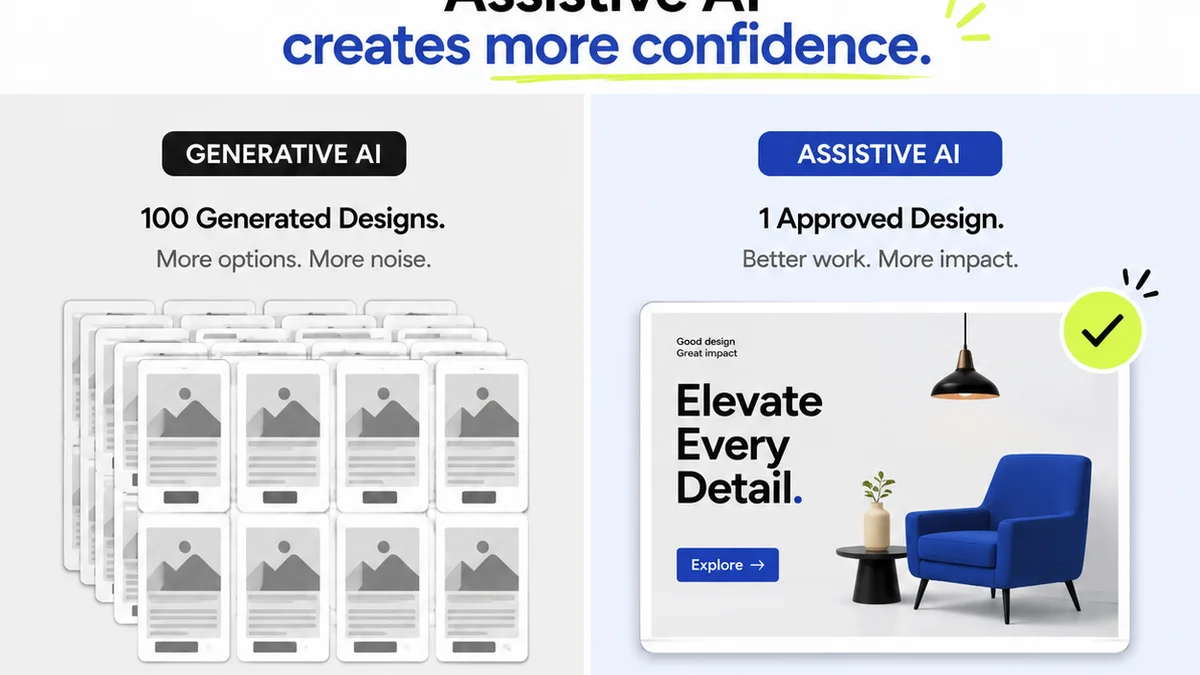
Everyone talks about automating creative reviews. They say it's about speed. Efficiency. Getting client sign-off faster. None of that is wrong. But it’s incomplete.
The real win with review automation isn't just shaving minutes off a deadline. It's about building a more resilient, predictable, and profitable creative business. It’s about reducing the friction that grinds creative teams to a halt.
This isn't about replacing human judgment. It's about augmenting it. It’s about freeing up your team to do their best creative work, not chase down approvals or decipher vague feedback.
Ready to get serious about automation? Here’s your checklist for making it actually work.
1. Define Your Bottlenecks First
Before you even think about tools, you need to know where your process is breaking. Automation applied to a broken process just breaks it faster.
What’s the most common complaint you hear?
- Clients who miss deadlines for feedback?
- Vague comments like “make it pop” or “I don’t like it”?
- Endless revision rounds on minor tweaks?
- Team members unsure which version is the latest?
- Difficulty tracking who approved what, and when?
Be brutally honest. Map out your current review and approval workflow. Identify the exact points where things get stuck, delayed, or misunderstood. That’s your target for automation.
2. Standardize Your Feedback Process
Ad-hoc feedback is the enemy of automation. If feedback arrives via email, Slack, text message, or a carrier pigeon, you’ve already lost.
You need a single source of truth for all creative feedback and approvals.
Centralize Communication
Client feedback should live in one place. Not scattered across inboxes and chat logs. This makes it auditable and actionable.
Establish Clear Feedback Guidelines
Educate your clients and internal stakeholders on *how* to provide feedback. What makes feedback actionable?
- Be specific: Instead of “make it better,” say “increase the contrast on the logo by 15%.”
- Be constructive: Explain *why* something isn’t working.
- Be concise: Stick to essential points.
- Be timely: Adhere to agreed-upon turnaround times.
This isn't about being difficult. It's about respecting everyone's time and ensuring clarity. Good feedback is a prerequisite for good automation.
3. Automate What Can Be Automated (and Should Be)
Once you’ve identified bottlenecks and standardized input, you can start looking at automation tools. But which parts of the process lend themselves to automation?
Version Control and Distribution
Manually emailing new versions is a recipe for disaster. Use a system that automatically tracks revisions and ensures everyone is looking at the latest iteration.
Automated Reminders
Forget chasing clients. Set up automated email or in-app notifications for pending feedback or overdue approvals. This keeps momentum without manual nagging.
Standardized Reporting
Generate reports on review cycles, approval times, and common feedback themes. This data is gold for process improvement.
Checklist-Based Approvals
For certain types of work (e.g., website launches, print production), use automated checklists to ensure all necessary steps and sign-offs are completed before final delivery.
4. Integrate with Your Existing Stack
Automation tools shouldn’t live in a vacuum. The most effective solutions integrate seamlessly with the tools you already use.
Think about your current workflow:
- Project Management (Asana, Monday.com, Jira)
- Design tools (Figma, Adobe Creative Cloud)
- Communication platforms (Slack, Microsoft Teams)
An integrated system prevents double-entry and ensures data flows smoothly, reducing manual work and the potential for errors.
5. Define Success Metrics and Track Them
How will you know if your automation efforts are actually successful?
Set clear, measurable goals before you implement any new system.
- Reduction in average review cycle time
- Decrease in the number of revision rounds per project
- Increase in on-time feedback from clients
- Reduction in errors or missed requirements
- Improved client satisfaction scores
Regularly track these metrics. Automation isn't a set-it-and-forget-it solution. It requires ongoing monitoring and optimization.
6. Train Your Team and Your Clients
New tools and processes require adoption. Don't expect everyone to figure it out on their own.
Internal Training
Ensure your team understands the new workflow, the benefits of automation, and how to use any new tools effectively. Make them champions of the process.
Client Onboarding
For clients, clearly communicate the new review process. Provide simple guides or walkthroughs. Explain how it benefits them (faster turnaround, clearer communication). Manage expectations upfront.
7. Plan for Exceptions and Escalations
No system is perfect. There will always be edge cases.
What happens when:
- A critical stakeholder is unavailable for an extended period?
- Feedback is genuinely contradictory or unclear, despite guidelines?
- A technical issue prevents feedback submission?
Have a clear escalation path. Define who makes the final call in ambiguous situations. This prevents automation from becoming a rigid barrier.
Where Revue Fits In
Review automation is about streamlining the entire creative feedback loop. It’s about making feedback actionable, revisions manageable, and approvals clear.
Revue is built for this. It centralizes all client feedback directly on your creative assets – designs, videos, documents, websites. No more hunting through emails or Slack channels.
You get clear, contextual comments, version tracking, and a definitive audit trail of all revisions and approvals. This visibility is key to automating your workflow and reducing bottlenecks.
When feedback is organized and accessible, the entire review and approval process becomes more efficient. This allows you to focus on the creative execution, not the administrative overhead.
Final Thought
Automation isn't about removing the human element from creative work. It's about removing the friction.
It’s about creating a system that supports creativity, rather than hindering it.
Are you building a system that helps your team thrive, or just adding another layer of complexity?
Frequently asked questions
What is the biggest mistake agencies make with review automation?
The biggest mistake is automating a broken process. Agencies often jump to tools without first identifying and fixing their core workflow bottlenecks. This leads to faster errors and more frustration, not efficiency.
How can I get clients to provide better feedback?
Educate your clients. Establish clear guidelines for feedback, emphasizing specificity, constructiveness, and timeliness. Use a centralized platform where feedback is contextual and easy to track, which naturally encourages more thoughtful input.
Is review automation only for large agencies?
No, review automation is crucial for agencies of all sizes. Smaller teams benefit immensely by freeing up valuable time previously spent on manual chasing and organization, allowing them to focus on client work and growth.
What types of creative work are best suited for review automation?
Any creative work that involves multiple stakeholders and iterative feedback can benefit. This includes website designs, marketing collateral, video production, document reviews, and software UI/UX. The key is a process that can be standardized and tracked.