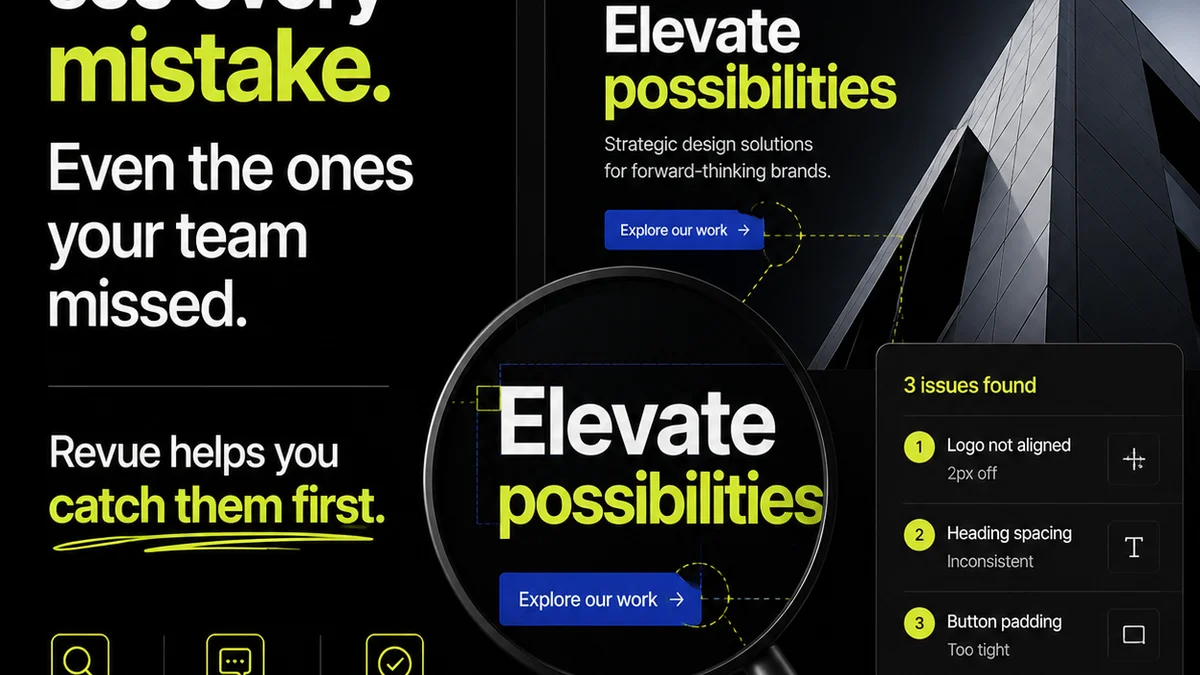
Everyone thinks creative feedback boils down to comments. That Figma comments are the be-all and end-all for design collaboration. And that if you have a tool that can add annotations, you've solved client communication. None of that is wrong. But it’s incomplete.
The hard truth for agencies is that managing creative feedback isn't about the markup itself. It's about the entire lifecycle of that feedback: its capture, distribution, action, approval, and final verification. That's where the real operational challenge lies.
1. The Illusion of Centralization: Figma's Comment Feature
Figma's commenting system is a powerful tool for designers and collaborators working directly within a design file. It allows for precise, in-context feedback, directly on the elements that need attention.
This is fantastic for:
- Pixel-perfect adjustments.
- Quick clarifications on specific UI elements.
- Internal design team discussions during the build phase.
- Gathering initial reactions from stakeholders who are comfortable with the design tool.
But here's the rub: it's a feature, not a system.
When you're managing multiple projects, multiple clients, and multiple rounds of revisions, relying solely on Figma comments becomes a bottleneck. Feedback gets scattered across files, across different comment threads, and can be easily overlooked or misinterpreted when it's time to act.
Context Collapse: Comments Without a Narrative
A comment like 'Make this button blue' is clear in isolation. But what if the client previously approved a specific brand blue, then later asks for a different shade without referencing the original spec? Or what if a different stakeholder comments on the same button with conflicting instructions?
Without a clear thread of decision-making and approval history, these isolated comments create confusion. The 'why' behind a design decision gets lost.
The
Frequently asked questions
Can Figma comments be used for client feedback?
Yes, Figma comments can be used for client feedback, especially for granular, in-context annotations. However, for managing the entire feedback and revision lifecycle across multiple projects and clients, they are often insufficient on their own.
What are the limitations of using only Figma comments for agency work?
The limitations include scattered feedback across files, lack of centralized revision history, difficulty in tracking approvals, and potential for misinterpretation or overlooked comments, especially in complex projects with multiple stakeholders.
How does a tool like Revue complement Figma comments?
Revue acts as a central hub for all client feedback, revisions, and approvals. It integrates with design tools like Figma, allowing you to manage the entire workflow from initial feedback to final sign-off, providing clarity and accountability that isolated comments cannot.
Is it possible to manage client approvals within Figma?
Figma itself doesn't have a dedicated approval workflow feature. While you can use comments to discuss and 'approve' elements, there's no formal system for tracking sign-offs, version control, or audit trails, which is crucial for agency accountability.