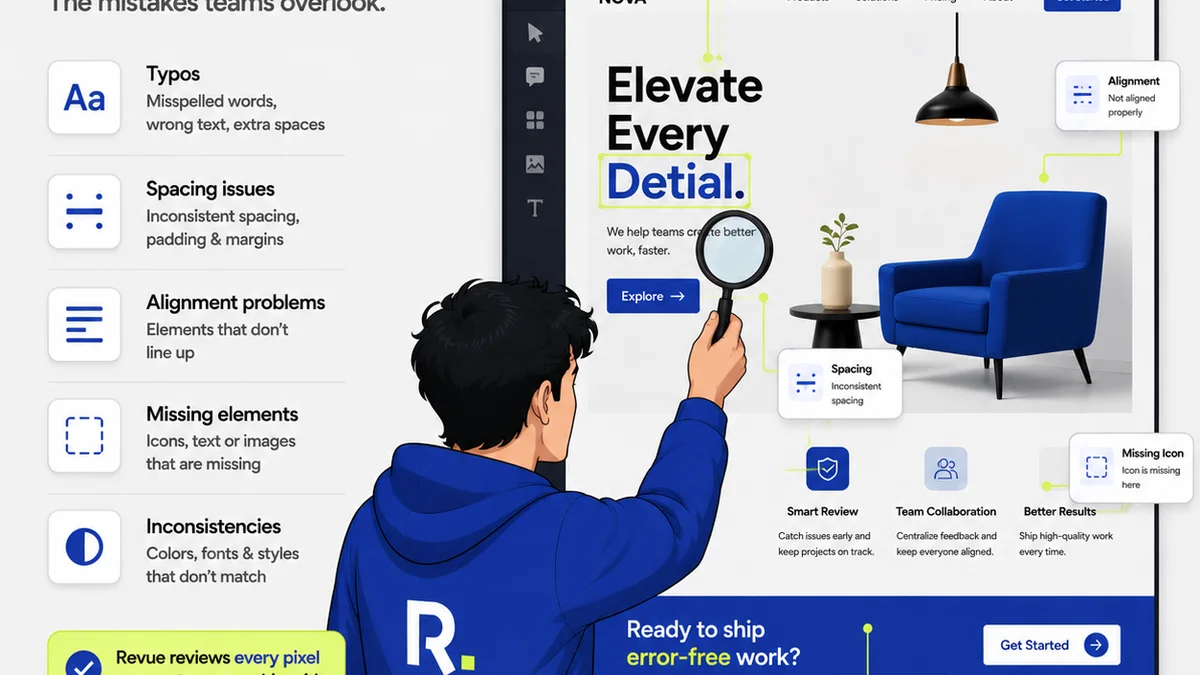
Most marketing teams think Jira is the ultimate project management tool. They see its power, its customization, its ability to track *everything*. And they're not wrong. Jira can manage complex software development cycles, intricate IT support tickets, and even HR onboarding. But when it comes to the messy, iterative, and subjective world of creative marketing work, Jira often feels like using a sledgehammer to crack a nut.
None of that is wrong. But it’s incomplete.
The hard truth? Jira’s strength is its rigidity. Its weakness for marketing teams is precisely that same rigidity. It’s built for predictable, linear workflows, not the creative process. And that leads to frustration, inefficiency, and ultimately, a drag on your team’s output. Let’s break down why.
1. Jira’s Core: Engineering, Not Art
Jira was born from software development. Its DNA is in tracking bugs, managing sprints, and mapping out code. This translates to features like:
- Highly structured issue types (Bug, Story, Task).
- Complex workflow configurations that are difficult to adapt for visual feedback.
- Metrics focused on development velocity and bug resolution times.
This is fantastic for engineers. For designers and marketers, it feels like shoehorning creative feedback into a system that wasn't designed for it.
The Assumption: If it tracks tasks, it tracks creative work.
This is where many teams stumble. They assume that if Jira can track a task, it can track the nuances of creative feedback, design iterations, and client approvals. It can’t, not effectively.
Jira treats a Photoshop file like a code commit. It’s a file to be attached, not a visual asset to be reviewed, annotated, and iterated upon. The context gets lost.
2. The Feedback Loop: A Mismatched System
Creative work lives and dies by feedback. It’s rarely a straight line. It’s a conversation, a series of refinements. Jira’s default commenting and status update system struggles here.
The Problem: Context Collapse
Imagine a designer uploads a new banner ad concept. The client leaves a comment: “Make the logo bigger. And change the CTA color.”
Where is that feedback attached? To the ticket? To the specific version of the design file? What if there are 20 comments across multiple file versions? Jira’s structure doesn’t easily support visual annotation or threaded discussions tied directly to specific design elements or versions. You end up with endless comment threads that are hard to parse, and it’s unclear which version of the asset the feedback applies to.
The Assumption: Comments on a ticket are clear feedback.
In Jira, a comment is just text. It lacks the visual context a designer needs. Is the client referring to the logo in the top left or the one in the footer? Which version of the design are they even looking at? This ambiguity leads to endless clarification cycles, wasted time, and misinterpretations.
The Reality: Visual context is king for creative.
The best feedback systems allow reviewers to click directly on an element and leave a comment. They let you see the history of revisions side-by-side. They keep the conversation tied to the visual asset itself.
3. Revision Management: A Tangled Mess
Creative projects involve multiple revisions. Tracking these is critical for accountability and understanding the project’s evolution. Jira’s approach can become cumbersome.
The Assumption: File versioning in Jira is sufficient.
Jira allows file attachments. You can upload `v1`, `v2`, `v3`. But this is a flat list. There’s no visual comparison. There’s no clear indication of what changed between versions unless someone meticulously documents it in a separate ticket or comment thread.
The Hard Truth: Version control needs to be visual and comparative.
For creative teams, understanding the delta between revisions is paramount. Was the client’s feedback on the CTA color implemented correctly? Did the new layout affect the headline placement? Without a visual way to compare versions, teams spend valuable time manually checking changes or asking clarifying questions that should be obvious.
4. Client Collaboration: A Barrier, Not a Bridge
Many agencies use Jira, but their clients rarely do. This creates a disconnect. When clients have to log into a complex system like Jira just to leave feedback, adoption plummets, and they default to email, which is even worse for tracking.
The Assumption: Clients will adapt to our project management tool.
Clients are busy. They don’t want to learn a new, complex system for a single project. They want a simple, intuitive way to provide feedback on the creative they’re paying for.
The Reality: Simplicity wins client adoption.
A system designed for external collaboration needs to be dead simple. It needs to feel familiar, like commenting on a document. Anything more complex introduces friction and resistance. This often leads to clients bypassing Jira altogether, sending feedback via email or Slack, forcing your team to manually transfer that feedback back into Jira, creating more work and increasing the risk of errors.
5. Workflow Automation: Too Rigid, Too Complex
Jira’s automation capabilities are powerful, but they are deeply tied to its engineering-centric workflow structures. Setting up automations for creative review cycles can be overly complex and brittle.
The Assumption: Jira’s automation handles all project needs.
You can automate status changes, notifications, and task assignments in Jira. But try to automate a notification that says, “Client has approved V3 of the logo, and all comments on V2 have been addressed,” and you’ll quickly find yourself in a world of custom fields, complex conditions, and script runners. It’s often more effort than it’s worth.
The Hard Truth: Creative workflows need flexible, context-aware automation.
Automation in creative review should be about streamlining the approval process, flagging overdue feedback, or notifying the next stakeholder when a review is complete. It needs to understand the *context* of the creative asset, not just a ticket status.
Where Revue Fits In
Revue isn’t trying to be Jira. It’s built from the ground up for the specific needs of creative teams managing client feedback and approvals. While Jira excels at tracking detailed tasks and complex development processes, Revue excels at centralizing client feedback, managing creative revisions, and ensuring quality checks are straightforward.
Think about it:
- Centralized Feedback: Instead of scattered emails and Slack messages, all client comments live directly on the visual asset within Revue. No more hunting for feedback.
- Revision Visibility: Easily upload new versions and compare them side-by-side. Clients and team members can see exactly what’s changed, and feedback is automatically associated with the relevant version.
- Streamlined Approvals: Clear statuses and notifications keep everyone informed about where a project stands, reducing bottlenecks and chasing down approvals.
- Quality Control: Ensure all feedback has been addressed and approved before final delivery, reducing last-minute issues.
Revue provides the clarity and context that Jira’s engineering-focused structure often lacks for creative workflows. It’s about making the creative review process smoother, faster, and less prone to error.
Final Thought
Jira is a phenomenal tool for engineering and product development. But for creative agencies and in-house design teams, its strength—its rigid, structured approach—becomes its greatest weakness. It forces creative work into a box it was never designed to fit.
Are you forcing your creative team to use a tool built for developers? Or are you using the right tool for the job?
Frequently asked questions
Can Jira be customized for creative feedback?
Yes, Jira can be heavily customized, but adapting its engineering-centric structure to effectively handle visual feedback, annotations, and iterative design revisions is often complex, time-consuming, and may still not provide the seamless experience creative teams need.
What are the main drawbacks of using Jira for creative projects?
The primary drawbacks include its lack of visual annotation tools, difficulty in comparing design versions side-by-side, a rigid workflow structure not suited for iterative creative processes, and a poor user experience for non-technical clients, leading to feedback fragmentation and communication breakdowns.
How does Revue handle client feedback differently from Jira?
Revue is built specifically for creative feedback. It offers direct visual annotation on assets, clear version comparison, centralized communication tied to specific design elements, and a simple, intuitive interface for clients, avoiding the need for them to learn complex systems like Jira.
Is Jira good for managing design revisions?
Jira allows for file versioning, but it lacks the visual comparison tools and contextual linking that are crucial for effective design revision management. Understanding changes between versions requires manual effort or extensive documentation, unlike specialized tools that offer side-by-side comparisons.