The buzz around Notion for education is deafening. Everyone’s talking about its flexibility, its all-in-one database potential, and how it can supposedly replace every other tool in a university or school’s tech stack. None of that is wrong. But it’s incomplete.
The hard truth is that while Notion is a powerful personal knowledge management system and a decent team wiki, it often falls short when it comes to the specific, high-stakes demands of creative project management and client (or stakeholder) feedback loops common in many educational programs.
1. The "All-in-One" Mirage
Notion’s promise is seductive: one place for notes, projects, databases, and even websites. This flexibility, however, can become a double-edged sword.
The Unstructured Nature of Flexibility
For personal use, this means you can build your dream system. For a department, a class, or an institution, it means chaos if not meticulously managed. Without strict templates and governance, Notion pages devolve into unstructured digital junk drawers.
This isn’t a minor quibble. When students or faculty are trying to collaborate on a project, find feedback, or track revisions, a system that requires immense upfront setup and ongoing discipline to maintain is a significant barrier.
The Feedback Black Hole
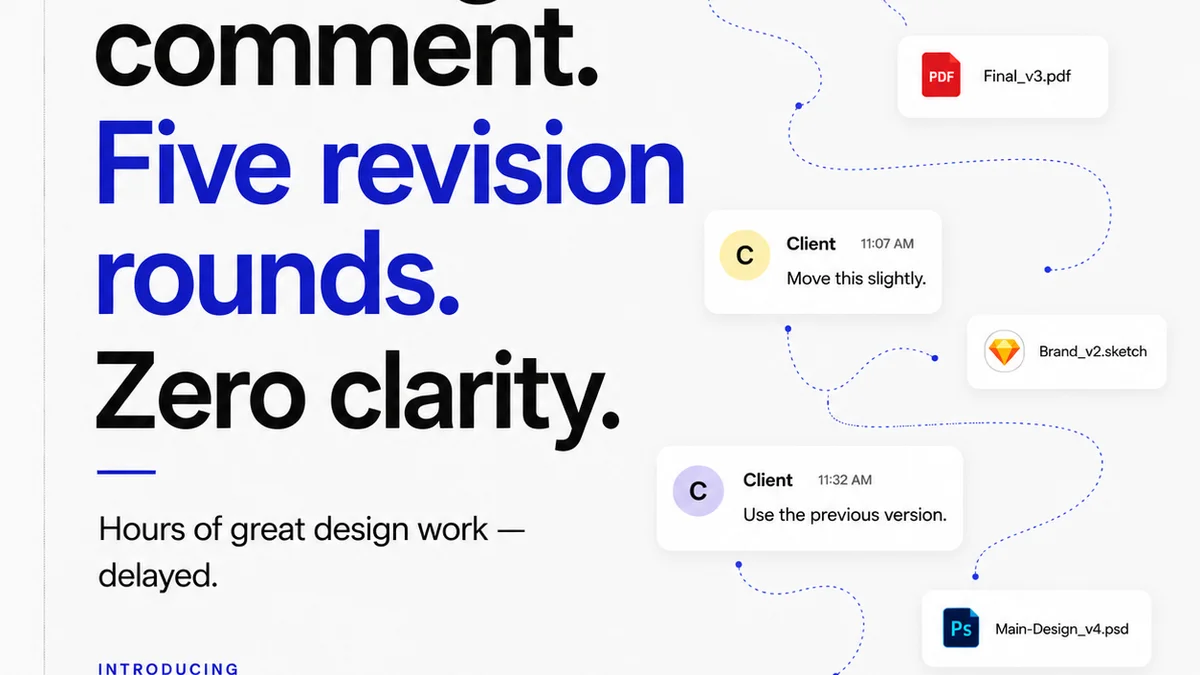
Where does feedback live in Notion? It can be in comments on a page, properties in a database, or even just text within a document. There’s no single, authoritative source of truth for design or project feedback.
This lack of clear provenance for feedback means:
- Disagreements about what was requested.
- Lost revisions.
- Difficulty tracking the evolution of an asset.
- Wasted time searching across disparate parts of a Notion workspace.
Data Silos Within a Single Platform
Ironically, Notion’s flexibility can create data silos. Different teams or classes might set up their databases and pages in entirely different ways, making cross-functional collaboration or institutional oversight incredibly difficult. Information gets trapped within specific setups.
2. The Real Cost of "Free" and "Cheap"
Many institutions start with Notion’s free or personal pro tiers. While cost-effective initially, scaling this across departments or for larger projects reveals hidden costs.
Hidden Time Investment
The time spent building and maintaining custom Notion setups is substantial. This includes:
- Creating and enforcing templates.
- Training users on complex database structures.
- Troubleshooting broken linked databases or confusing permissions.
- Manually exporting data for reporting or external sharing.
This time could be spent on actual teaching, learning, or creative work.
Limited Specialized Workflows
Notion is a generalist tool. It can be molded into many shapes, but it doesn’t have built-in, specialized features for the nuances of creative workflows. Think about:
- Version control for creative assets.
- Clear visual indicators for revision status (e.g., Pending, Approved, Rejected).
- Automated notifications tied to specific review stages.
- A dedicated space for client/stakeholder comments that’s easy to navigate and filter.
You can *build* some of this functionality in Notion, but it requires significant custom engineering and often feels like a workaround rather than a core feature.
3. The Unseen Impact on Creative Iteration
Creative work, especially in educational settings like art schools, design programs, or media departments, thrives on iteration. This process is heavily dependent on clear, efficient feedback loops.
The Friction of Generalist Tools
When feedback is scattered across emails, chat messages, and different sections of a Notion page, the iteration cycle breaks down. Students might receive conflicting instructions or miss crucial feedback points.
Faculty can struggle to track the progress of multiple students or projects, especially when dealing with visual assets like images, videos, or interactive prototypes.
Lack of Visual Context
Notion is primarily text-based. While it supports embeds and file uploads, it’s not optimized for visual review. Annotating an image directly, marking up a video timeline, or providing precise feedback on a UI element is cumbersome.
This forces users to export assets, mark them up in separate tools (like Adobe Photoshop or Figma), and then re-upload them, adding unnecessary steps and increasing the chance of errors or delays.
Where Revue Fits In
Revue isn't trying to be your entire institution's knowledge base. It’s built for a specific, critical part of the creative and project lifecycle: managing feedback, revisions, and approvals with clarity and efficiency.
Imagine a design program where students upload their work-in-progress. Instead of burying comments in a Notion page, instructors can provide precise, contextual feedback directly on the asset within Revue. They can mark areas, leave comments, and assign revisions.
Students see a clear, chronological history of feedback. They can address comments, upload new versions, and track the approval status. Instructors get a clear overview of each student's progress and can easily see the final approved work.
For departments managing external reviews (e.g., with industry partners or for thesis defenses), Revue provides a structured way to gather and act on stakeholder feedback, ensuring everyone is aligned and nothing falls through the cracks.
It streamlines the process of:
- Centralizing all feedback on a specific asset or project.
- Managing multiple revision rounds with clear version tracking.
- Ensuring stakeholders sign off on final deliverables.
- Maintaining an auditable trail of decisions and approvals.
This focused approach removes friction, saves time, and allows educators and students to concentrate on the creative process itself, rather than the administrative overhead of managing feedback.
4. The Importance of Specialized Tools in Education
The argument that one tool should do everything for education is often a fallacy. Different tasks require different tools, optimized for those specific jobs.
Beyond the Generalist Approach
Think about other areas of education. Do you use a general database for your Learning Management System (LMS)? No, you use specialized software like Canvas, Moodle, or Blackboard. Do you use a general note-taking app for grading essays? Typically not; you use features within an LMS or dedicated grading platforms.
The same logic applies to creative workflows. While Notion can manage course syllabi, student contact lists, and general project briefs, it struggles when the core task is managing iterative creative work and its associated feedback.
The Role of Discipline-Specific Software
Creative disciplines have unique needs. Visual feedback, version history, and clear approval workflows are not edge cases; they are fundamental to the process. Tools that offer these capabilities natively reduce cognitive load and improve outcomes.
When students are learning industry-standard workflows, exposing them to tools that mirror professional practice is invaluable. This prepares them for internships and future careers where efficient feedback management is paramount.
Final Thought
Is Notion a valuable tool for educational institutions? Absolutely. It excels at knowledge management, internal documentation, and personal organization. But when the goal is to streamline complex, iterative creative projects and manage stakeholder feedback effectively, a specialized tool designed for that purpose offers a more direct path to success. The question isn't whether Notion is good, but whether it's the *right* tool for every job. For creative feedback and revision management, the answer is often no.
Frequently asked questions
Can Notion handle creative project feedback?
Notion can technically store feedback in comments or page properties, but it lacks dedicated features for visual annotation, version control, and clear approval tracking, making it cumbersome for iterative creative work compared to specialized tools.
What are the hidden costs of using Notion in education?
The primary hidden cost is the significant time investment required to build, maintain, and train users on custom Notion setups. This effort diverts resources from core teaching and learning activities.
Why are specialized tools important for creative education?
Specialized tools like Revue are built for the specific needs of creative iteration, offering features for visual feedback, version history, and clear approval workflows that generalist tools lack. This mirrors industry practices and improves student outcomes.
How does Revue improve feedback loops for students?
Revue centralizes feedback directly on assets, provides a clear history of revisions, and simplifies the approval process, allowing students to easily understand and act on feedback without navigating scattered information.