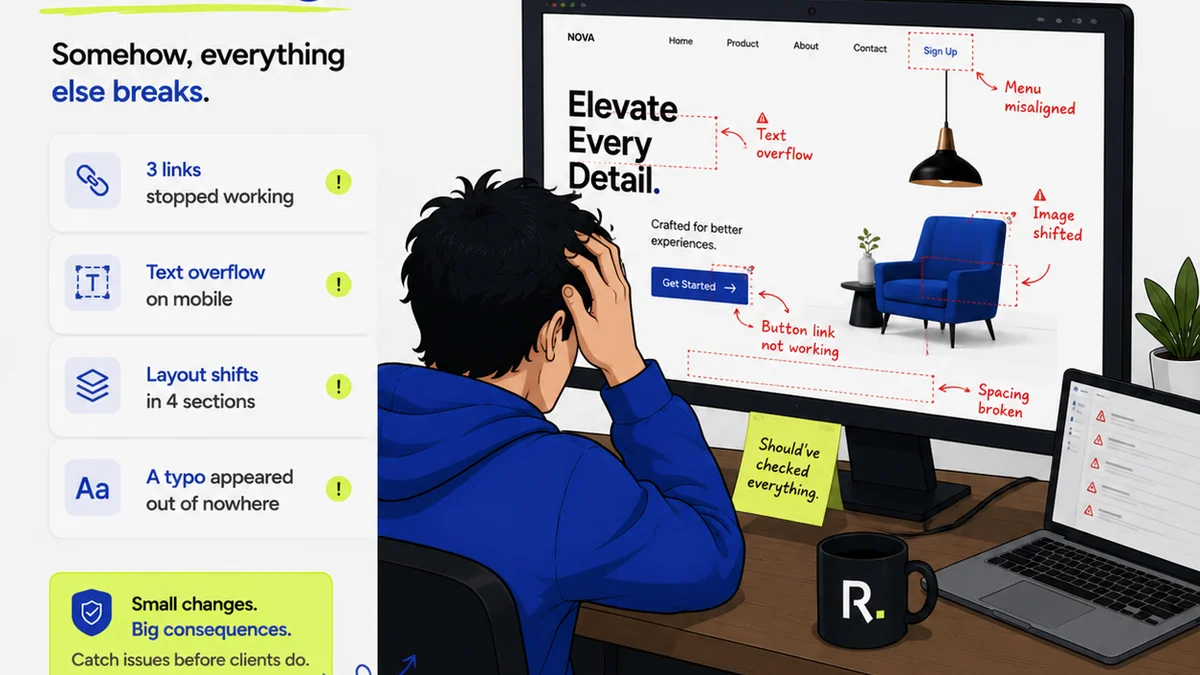
Everyone talks about Digital Asset Management (DAM) as a way to stop losing files. A digital filing cabinet that’s slightly more organized. It’s a nice thought. It’s also dangerously incomplete.
The real value of DAM isn’t just preventing chaos. It’s about predictably, measurably boosting your agency’s output and profitability. It’s a strategic lever, not just an IT solution. The hard truth? If you’re not measuring its impact, you’re leaving money on the table.
1. The Hidden Costs of Creative Inefficiency
What does inefficiency look like in a creative agency? It’s not just slow computers or buggy software. It’s the hours your team wastes searching for assets. It’s the duplicate work because someone couldn’t find the latest version. It’s the missed deadlines because approvals got stuck in email threads.
These aren’t minor annoyances. They are direct drains on your bottom line. Every minute a designer spends hunting for a logo is a minute they aren’t designing. Every hour a project manager spends tracking down feedback is an hour they aren’t moving the project forward.
The Time Sink
Consider the average creative professional. How much of their day is spent on non-creative tasks? Searching for files, requesting access, chasing down approvals, re-exporting assets because the wrong format was used. It adds up. Fast.
- Searching for assets
- Requesting access permissions
- Chasing down feedback and approvals
- Recreating lost or outdated files
- Formatting assets for different channels
This wasted time translates directly into higher project costs and lower profit margins. If a project is billed at $100/hour, and your team spends 5 hours a week searching for assets, that’s $500 lost per person, per week. For a team of 10, that’s $260,000 a year. Gone.
The Risk of Errors
Using the wrong asset is a costly mistake. It could be an outdated logo, a stock photo without the proper license, or a design element that hasn’t been approved. These errors can lead to:
- Brand inconsistency
- Legal issues and fines
- Expensive re-work
- Damaged client relationships
A robust DAM system, when properly implemented, minimizes these risks by providing a single source of truth for all approved assets.
2. Quantifying the Gains: Beyond Storage
Most discussions around DAM ROI focus on storage costs or eliminating redundant software licenses. That’s a tiny part of the picture. The real ROI comes from operational improvements that boost efficiency and reduce risk.
Faster Asset Retrieval
How long does it take your team to find a specific asset? With a well-organized DAM, it should take seconds, not hours. This isn’t just about convenience; it’s about freeing up creative time.
Metric: Average time to find a specific asset.
Before DAM: Track how long a sample of your team members spend searching for common assets over a week. Average it out.
After DAM: Measure the same over a week. The reduction is your quantifiable gain.
Reduced Re-work and Errors
Fewer mistakes mean less re-work. This is harder to track directly but can be estimated by looking at project scope creep related to asset issues.
Metric: Number of projects experiencing costly asset-related errors or re-work.
Before DAM: Review project retrospectives or client change orders for mentions of asset issues.
After DAM: Track the same data points. A significant reduction indicates ROI.
Streamlined Approval Workflows
A DAM integrated with a feedback and approval tool can drastically cut down on the time spent managing revisions. No more endless email chains or confusion over which version is final.
Metric: Average time from asset creation to final approval.
Before DAM: Manually track the lifecycle of a set number of assets.
After DAM: Use system logs to track the same lifecycle. The reduction in days or hours is your ROI.
Increased Asset Utilization
Are your assets being used to their full potential? A DAM makes it easy to see what assets exist, how they’ve been used, and where they might be repurposed. This can reduce the need to create new assets, saving time and money.
Metric: Percentage of assets re-used across multiple campaigns or projects.
Before DAM: Difficult to track without manual audits.
After DAM: Utilize DAM reporting features to track asset usage and identify popular or underutilized assets.
3. Calculating the Investment: What Does DAM Really Cost?
The cost of a DAM isn’t just the software subscription. It includes implementation, training, and ongoing management. But even these are often less than the cost of *not* having a DAM.
Software and Infrastructure
This is the most obvious cost. Subscription fees, server costs (if self-hosted), and integration expenses.
Implementation and Configuration
Setting up the DAM correctly is crucial. This involves organizing metadata, establishing user permissions, and migrating existing assets. This can require significant internal or external resources.
Training and Adoption
Even the best system is useless if your team doesn’t use it. Proper training and change management are essential for adoption. Factor in the time your team spends in training sessions.
Ongoing Management
Someone needs to manage the DAM, update metadata, onboard new users, and ensure the system remains organized. This is an ongoing operational cost.
Compare these costs to the estimated cost of inefficiency and errors calculated in the previous sections. The numbers often speak for themselves.
4. Where Revue Fits In
A Digital Asset Management system is foundational. It’s where your final, approved assets live. But the journey to that final approval is where much of the friction occurs. This is where Revue excels.
Revue provides a centralized hub for client feedback and revision management. Instead of assets bouncing between email, Slack, and shared drives, they live within a structured workflow.
Centralized Feedback
Clients and stakeholders can leave contextual feedback directly on the assets within Revue. No more deciphering vague email comments or trying to match feedback to the right file version.
Revision and Approval Visibility
Every version, every comment, every approval is tracked. You have a clear audit trail, reducing disputes and speeding up the sign-off process. This directly impacts the speed of getting assets *into* your DAM.
Quality Checks
Before an asset is finalized and pushed to your DAM, Revue can facilitate final quality checks. Ensure everything is on brand, correctly formatted, and meets all requirements. This prevents flawed assets from entering your single source of truth.
By integrating Revue into your workflow, you not only ensure assets are managed efficiently *before* they hit the DAM, but you also gather valuable data on the approval process itself. This data can further inform your ROI calculations for your entire creative operations stack.
5. Making the Case: Building Your DAM ROI Report
To truly understand and justify the investment in DAM, you need to build a business case. This involves collecting data before and after implementation.
Benchmark Current State
Before you even select a DAM, start measuring. Track how long tasks take. Quantify the number of errors or re-work instances. Estimate the cost of lost productivity.
Define Key Performance Indicators (KPIs)
What will you measure? Choose metrics that align with your agency’s biggest pain points. Common KPIs include:
- Reduction in asset search time
- Decrease in asset-related errors/re-work
- Faster project completion times
- Increased asset re-use
- Improved client satisfaction scores related to feedback process
Track Post-Implementation Performance
Once the DAM is in place, continuously monitor your chosen KPIs. Use reporting features within your DAM and other tools (like Revue) to gather data.
Calculate Financial Impact
Translate your KPI improvements into dollar amounts. For example:
(Hours Saved per Employee per Week) * (Number of Employees) * (Average Hourly Burden Rate) * (52 Weeks) = Annual Savings
Add savings from reduced re-work, fewer licensing issues, and potential reduction in other software costs.
Present the Findings
Create a clear report that outlines the initial investment, the ongoing costs, and the quantifiable financial benefits. This report isn’t just for management; it’s a tool to refine your processes and maximize the value you get from your DAM.
Final Thought
Is your Digital Asset Management system just a glorified hard drive, or is it a strategic engine driving efficiency and profitability? The answer depends entirely on whether you’re measuring its impact. Stop assuming DAM is valuable. Start proving it.
Frequently asked questions
What are the main benefits of Digital Asset Management for a creative agency?
The main benefits include faster asset retrieval, reduced re-work and errors, streamlined approval workflows, increased asset utilization, improved brand consistency, and enhanced collaboration. Ultimately, these lead to significant cost savings and increased profitability.
How can I calculate the ROI of a DAM system?
To calculate DAM ROI, benchmark your current inefficiencies (time spent searching, errors, re-work costs). Then, after implementing a DAM, measure the improvements in these areas and translate them into financial savings. Key metrics include reduced search time, fewer asset-related errors, and faster project completion.
Is Digital Asset Management only for large agencies?
No, DAM systems offer significant value to agencies of all sizes. Smaller agencies can benefit immensely from the organization and efficiency gains, preventing chaos as they grow. Even a well-organized folder structure can be a starting point, with DAM software scaling to meet more complex needs.
What's the difference between cloud storage and a DAM system?
Cloud storage (like Dropbox or Google Drive) is primarily for file storage and sharing. A DAM system offers advanced features like metadata tagging, advanced search, version control, user permissions, workflow automation, and usage analytics, providing much greater control, organization, and strategic value for managing creative assets.