Everyone’s talking about AI in design. Generative tools, smart assistants, automated workflows. The assumption is that once you’ve got the shiny new AI software, you’re set. You plug it in, and suddenly your teams are churning out better work, faster.
None of that is wrong. But it’s incomplete.
The real challenge, the one most agencies and in-house teams grapple with, isn't adopting AI. It’s scaling AI effectively across multiple, often siloed, design teams. It’s about integrating these powerful new capabilities into the messy, human reality of creative production without breaking what already works.
The Hard Truth: AI Isn't Autonomous, It's Amplified
AI tools don't magically solve workflow problems. They amplify existing processes and, critically, existing communication breakdowns. Without a robust framework for how teams interact with AI, and how AI outputs are managed, you create more chaos, not less.
Scaling AI means standardizing how it's used, how its outputs are vetted, and how it fits into the established creative lifecycle. It’s an operational problem, not just a technological one.
1. Standardize Your AI Inputs and Prompts
This is the bedrock of consistent AI output. If every designer is prompting an AI image generator with wildly different parameters, you’ll get wildly different results. This makes it impossible to maintain brand consistency or predict output quality.
The Prompting Problem
Think of prompts as the new briefs. If the briefs are vague, the output will be too.
- Inconsistent Brand Voice: AI-generated copy that doesn't align with brand tone.
- Off-Brand Visuals: AI imagery that misses the mark on style, color palette, or mood.
- Varied Quality: Some outputs are brilliant, others are unusable, leading to wasted time.
Building a Prompt Library
Start by cataloging successful prompts. This isn't about locking down creativity, but about creating a shared understanding of what works for specific tasks.
- Develop Core Brand Prompts: Define foundational prompts for imagery, copy, and even layout concepts that adhere to brand guidelines.
- Create Task-Specific Templates: For common deliverables (e.g., social media graphics, ad variations, email headers), create prompt templates that can be easily adapted.
- Document Best Practices: Educate teams on how to write effective prompts, including the use of negative prompts, aspect ratios, and style references.
- Iterate and Share: Make the prompt library a living document. Encourage teams to contribute new, successful prompts and share their learnings.
This library becomes a shared knowledge base, reducing the learning curve and ensuring a baseline level of quality and brand adherence across all AI-assisted work.
2. Define AI's Role in the Creative Process
AI can assist at many stages. Where does it fit in your workflow?
AI as an Idea Generator
Early-stage ideation is a natural fit. AI can rapidly explore visual concepts, generate mood boards, or draft copy variations. This can break through creative blocks and offer unexpected starting points.
AI as a Production Assistant
Once concepts are approved, AI can accelerate production. Think background removal, image upscaling, generating asset variations, or even drafting initial code snippets for web elements.
AI as a Content Multiplier
AI excels at repurposing content. It can help adapt existing assets for different platforms, summarize long-form content, or generate social media snippets from blog posts.
Where AI Doesn't Belong (Yet)
Be realistic. AI is not a replacement for strategic thinking, client relationship management, or final creative judgment. Over-reliance can lead to generic, soulless work.
Clearly defining these roles prevents AI from becoming a crutch or a source of confusion. It ensures teams leverage AI for its strengths without sacrificing critical human oversight.
3. Establish AI Output Review and Approval Gates
This is where many scaling efforts falter. AI-generated assets still need to be reviewed, refined, and approved. Without clear gates, unchecked AI outputs can flood the pipeline and lead to errors.
The AI Output Avalanche
When AI generates content rapidly, it’s easy for unchecked assets to slip through. This can manifest as:
- Inconsistent Quality Control: AI outputs bypassing standard QC checks.
- Unverified Information: AI-generated text or data presented as fact without verification.
- Legal and Ethical Risks: Unawareness of copyright issues or biased outputs.
- Client Confusion: Presenting raw AI output as final work.
Implementing AI Gates
Treat AI outputs with the same rigor as any other creative deliverable.
- Mandatory Human Review: No AI-generated asset should go directly to a client or into final production without human review.
- Clear Revision Cycles: Define how AI outputs are iterated upon. Do you refine the prompt, or edit the output directly?
- Dedicated AI QA: Consider specialized QA for AI outputs, focusing on brand alignment, factual accuracy, and ethical considerations.
- Version Control for AI: Track which AI tools and prompts were used for specific outputs. This is crucial for troubleshooting and iteration.
These gates ensure that AI acts as a powerful assistant, not an unchecked force. They maintain quality and mitigate risks.
4. Integrate AI into Existing Collaboration Tools
The biggest barrier to scaling AI isn't the AI itself, but the friction of integrating it into how teams already work. Trying to force teams to adopt entirely new, separate AI workflows is a recipe for failure.
The Silo Effect
When AI tools operate in isolation, they create new bottlenecks:
- Disconnected Feedback: Feedback on AI outputs happens in email or chat, separate from the asset itself.
- Lost Context: Prompts, parameters, and revisions are scattered, making it hard to track progress.
- Inefficient Handoffs: Moving AI-generated assets between tools and teams becomes a manual, error-prone process.
Centralize and Connect
The goal is to make AI feel like a natural extension of your existing toolkit.
- Leverage Plugin Ecosystems: Many AI tools offer integrations with popular design software (Figma, Adobe Suite) or project management platforms.
- Use Centralized Platforms: Tools that can ingest AI outputs alongside other assets streamline review and approval.
- Standardize File Naming and Tagging: Ensure AI-generated assets are named and tagged consistently, making them searchable and manageable.
By connecting AI to your core collaboration and project management systems, you reduce friction and ensure AI benefits are felt across the entire team, not just by early adopters.
5. Train Your Teams (Beyond Just the Tool)
It’s tempting to just show people how to use the latest AI feature. That’s not training; that’s a demo.
The Tool-First Fallacy
Focusing solely on the mechanics of AI tools misses the bigger picture:
- Lack of Strategic Application: Teams don't know *when* or *why* to use AI effectively.
- Ethical Blind Spots: Ignorance about copyright, bias, and responsible AI use.
- Poor Output Management: Treating AI outputs as final without proper vetting.
- Resistance to Adoption: Fear or confusion leads to teams sticking to old methods.
Holistic AI Education
Effective training covers the 'what,' 'why,' and 'how' of AI in your specific context.
- Workflow Integration: Train teams on how AI fits into your established creative process and project management system.
- Prompt Engineering Fundamentals: Teach the principles of effective prompting for consistent, on-brand results.
- Ethical Considerations: Cover copyright, data privacy, bias detection, and responsible AI usage.
- Critical Evaluation: Equip teams to critically assess AI outputs for quality, accuracy, and brand alignment.
- Continuous Learning: Foster a culture of experimentation and knowledge sharing around AI advancements.
Empowered teams understand AI not just as a feature, but as a strategic capability that enhances their existing skills and processes.
Where Revue Fits In
Scaling AI isn't about finding a magic AI platform. It's about managing the *outputs* and the *process* that surrounds them. This is precisely where a tool like Revue becomes indispensable.
When AI generates concepts, drafts copy, or creates visual assets, those outputs need to be managed, reviewed, and approved. Revue provides a centralized hub for this entire lifecycle.
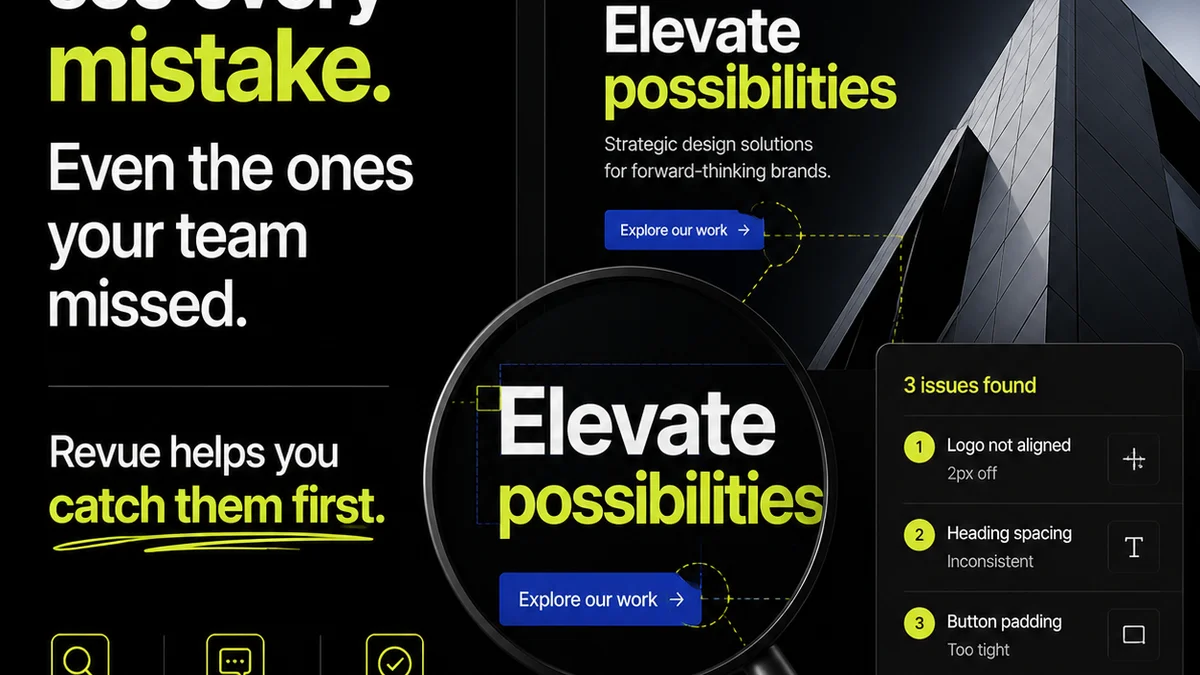
- Centralized Feedback: Instead of scattered comments in emails or chat, all feedback on AI-generated assets (and all other creative work) lives in one place, directly on the asset. This ensures context is never lost, especially when iterating on AI prompts or outputs.
- Revision and Approval Visibility: Track every version, every comment, and every approval. This is critical when dealing with the rapid iteration cycles AI can enable, ensuring you always know the latest approved state and who signed off.
- Quality Assurance Workflow: Implement structured review stages for AI outputs. Ensure critical checks for brand consistency, accuracy, and adherence to briefs happen before anything is finalized.
Revue doesn't replace your AI tools, but it provides the essential operational layer needed to scale their benefits reliably across your teams. It ensures AI-amplified creativity remains controlled, consistent, and aligned with business goals.
Final Thought
AI in design is no longer a futuristic concept; it's an operational reality. The agencies and teams that thrive won't be the ones with the most AI tools, but the ones who best integrate AI into their human-led processes. Are you building a framework for AI amplification, or just adding more noise?
Frequently asked questions
How do I ensure brand consistency when using AI for design across multiple teams?
Establish a standardized prompt library with core brand elements, create task-specific prompt templates, and document best practices for AI prompting. Implement mandatory human review gates for all AI-generated outputs to ensure brand alignment before final use.
What is the biggest challenge in scaling AI for design?
The biggest challenge is integrating AI into existing team workflows and communication channels without creating new silos. Effective scaling requires standardizing AI usage, defining its role, establishing clear review processes, and training teams holistically, not just on the tools themselves.
Can AI replace human designers?
No, AI is best viewed as an amplifier or assistant. It excels at ideation, production assistance, and content multiplication but cannot replace strategic thinking, client relationship management, or final creative judgment. Human oversight remains critical.
How can collaboration tools help scale AI in design?
Collaboration tools provide a centralized hub for managing AI-generated assets, feedback, and approvals. They ensure context is maintained, streamline handoffs, and integrate AI outputs into existing quality assurance workflows, reducing friction and improving oversight.