Everyone wants to scale. It’s the siren song of growth, the promise of bigger clients and bigger projects. And when it comes to asset management, the immediate thought is often: more storage. Faster servers. A bigger hard drive.
None of that is wrong. But it’s incomplete.
The hard truth about scaling asset management across multiple teams isn't about the *volume* of your assets. It's about the *flow* of those assets, the clarity of their status, and the control you have over their lifecycle. Without a robust system, more assets simply means more chaos.
1. The Illusion of Centralization
You might have a single server, a shared drive, or even a cloud storage solution. You call it centralized. But is it, really?
If teams are creating duplicate versions, saving files with ambiguous names, or storing assets in personal folders because the main system is too clunky, your centralization is an illusion.
The Symptoms of Broken Centralization
- Endless “final_final_v3.psd” files littering shared drives.
- Team members spending hours searching for assets they know exist but can’t locate.
- Inconsistent branding or outdated assets being used because the correct version is buried.
- Wasted time and resources recreating assets that are already available.
This isn't a storage problem. It's a process problem.
2. Visibility: The Black Hole of Asset Status
When you’re a small team, you know where everything is. You know who’s working on what, and what the status is. As you grow, this becomes impossible without a system.
Scaling asset management means scaling visibility. If you can’t see what’s happening with your assets, you can’t manage them effectively.
What Does Poor Visibility Look Like?
- Designers don't know if a client has approved the latest mockups.
- Account managers can't easily track which assets are needed for upcoming campaigns.
- Legal or compliance teams can't quickly verify the rights or usage of specific creative assets.
- Revision cycles drag on because feedback is lost or miscommunicated.
This lack of clarity breeds inefficiency and anxiety. It’s a direct drag on your team’s productivity and your client’s satisfaction.
3. Control: Preventing the Asset Avalanche
More teams, more projects, more assets. Without control, this growth quickly becomes a liability. Think about version control, access permissions, and approval workflows.
Scaling means establishing clear protocols for how assets are created, stored, accessed, and approved. It’s about building guardrails.
Key Areas for Control
- Version Control: How do you ensure everyone is working with the latest, approved version? What happens to older versions?
- Access Permissions: Who can view, edit, download, or delete assets? Are these permissions granular enough?
- Approval Workflows: How are assets formally approved? Who signs off? How is that documented?
- Usage Rights: Especially for stock imagery or licensed elements, how are usage rights tracked and managed to avoid costly mistakes?
- Archiving and Deletion: What’s the policy for retiring old or irrelevant assets?
Failing to implement control measures means your asset library becomes a digital landfill, full of potentially problematic or outdated material.
4. The Bottleneck of Feedback and Approvals
This is where many creative workflows break down, especially as teams grow. Feedback becomes fragmented, approvals get missed, and revisions spiral.
If your current method involves endless email chains, scattered Slack messages, or confusing annotation tools, you’re not scaling; you’re just amplifying the chaos.
Common Feedback Pain Points
- Clients leave feedback on different versions of the same asset.
- Important comments get buried in long email threads.
- There’s no clear record of who approved what, and when.
- Revision requests are ambiguous, leading to multiple rounds of unnecessary work.
- Your team spends more time chasing feedback than creating.
This isn't just annoying; it's a direct hit to your profitability and your team's morale.
Where Revue Fits In
Scaling asset management isn't about buying more software. It's about implementing systems that bring clarity and control to your creative operations.
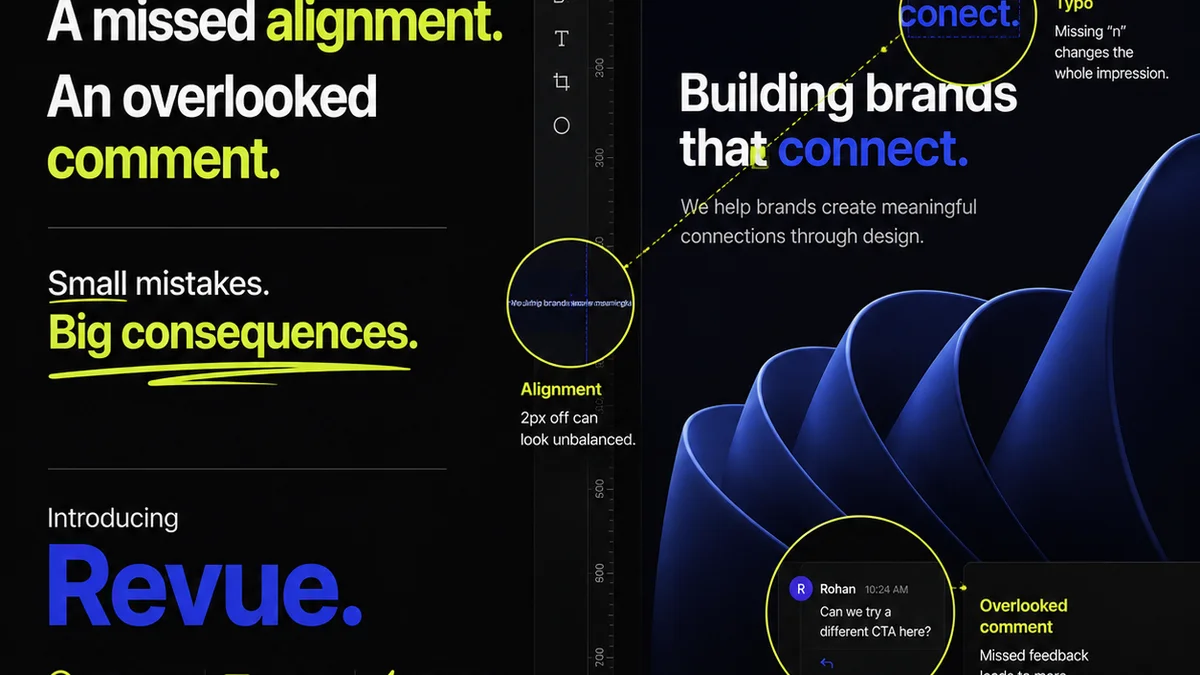
Revue is built for this. It’s designed to centralize client feedback, giving you a single source of truth for all comments and revisions, no matter how many teams or projects you’re juggling.
With Revue, you can:
- Centralize Feedback: All client comments live in one place, attached to the specific asset version. No more digging through emails.
- Manage Revisions and Approvals: Track the entire revision history. Clearly see what’s been approved and by whom. This builds accountability and speeds up the process.
- Run Quality Checks: Ensure brand consistency and adherence to brief by having a clear, documented review process before final delivery.
- Improve Visibility: Know the exact status of every creative asset, reducing the frantic
Frequently asked questions
What's the biggest mistake agencies make when scaling asset management?
The biggest mistake is focusing solely on increasing storage capacity. True scaling requires addressing workflow, visibility, version control, and approval processes. More storage without these systems only amplifies existing chaos.
How can I ensure consistent branding across multiple teams using shared assets?
Implement strict version control and access permissions. Use a centralized system where only approved, final assets are easily accessible. Clearly label and categorize assets, and train teams on proper usage guidelines.
What are the key components of effective asset control?
Key components include robust version control, granular access permissions, documented approval workflows, clear policies for usage rights, and defined procedures for archiving and deletion.
How does centralized feedback help scale asset management?
Centralized feedback eliminates fragmented communication. It ensures all comments are in one place, linked to specific asset versions, which speeds up revisions, reduces misunderstandings, and provides a clear audit trail for approvals.
Is a dedicated DAM system always necessary for scaling?
Not always immediately. A robust workflow and feedback management tool can be a highly effective first step. The need for a full Digital Asset Management (DAM) system often arises as your asset library and team complexity grow significantly, but starting with strong process management is crucial regardless.