Everyone agrees: a consistent UI/UX is good for business. It builds trust, reduces confusion, and makes products feel polished. So, when you grow and need more hands on deck – more designers, more developers, more product managers – you assume scaling this consistency is a matter of solid documentation. A robust style guide. A component library. Maybe a design system.
None of that is wrong. But it’s incomplete.
The hard truth is that scaling UI/UX isn't just about the *what* (the visual elements, the interaction patterns). It’s about the *how* and the *who*. It’s about the messy, human process of collaboration, feedback, and iteration happening across multiple teams. That's where true consistency breaks down, and where most scaling efforts fail.
1. The Illusion of the Static Style Guide
Your style guide is a snapshot. A beautiful, well-documented snapshot of your brand and product at a specific moment in time. It’s the bedrock. But the ground beneath it is constantly shifting.
Think about it. New features get built. Edge cases emerge. Designers iterate, developers implement, and product managers prioritize. Without a living, breathing system for managing this flux, your style guide becomes outdated faster than you can say “version control.”
The Feedback Loop Black Hole
Where does feedback on UI/UX elements go when it’s not on a specific ticket? How do you know if a component in development deviates slightly from the spec because a designer saw a better way to handle a specific interaction, or because a developer misunderstood a requirement?
- Is feedback logged in Slack, email, a separate project management tool, or scribbled on a napkin?
- Who owns consolidating that feedback for UI/UX consistency?
- How do you ensure that a change made in one area doesn't break another, visually or functionally?
These aren't theoretical problems. They’re daily operational realities in fast-moving teams.
Design Systems Aren't Magic Wands
A well-built design system is a powerful tool. It provides reusable components, clear guidelines, and a shared language. But it’s not a substitute for workflow.
A design system tells you *what* button to use. It doesn't tell you *how* to decide when a new button is needed, *how* to get it approved, or *how* to ensure everyone uses the existing ones correctly in the first place.
The process around the system is what matters for scale.
2. The Collaboration Chasm
As teams grow, so does the distance between them. Not just physically, but in terms of context, priorities, and communication channels. Scaling UI/UX means bridging this chasm.
Siloed Expertise
You might have a dedicated UI team, a UX research team, multiple front-end dev teams, and a product team. Each has its own perspective and goals.
The UI team focuses on aesthetics and brand. The UX team focuses on user flows and usability. Developers focus on performance and technical feasibility. Product managers focus on business value and roadmaps.
Without deliberate mechanisms, these perspectives can clash, leading to inconsistent user experiences that satisfy one team’s goal but frustrate another’s, or worse, the end-user’s.
The “It Looks Good To Me” Syndrome
This is a killer. A designer shares a mockup. A PM says, “Looks good.” A developer implements it. But “looks good” is subjective and rarely means “meets all UX requirements and brand standards.”
This superficial sign-off bypasses critical checks. It’s an assumption that everyone is on the same page, when in reality, they’re often in different books, reading different chapters.
Diffusion of Responsibility
When multiple teams touch the UI/UX, who is ultimately accountable for its quality and consistency? If a user journey is broken, or an interface is confusing, it's easy for responsibility to get passed around until no one owns the problem.
- Did the designer miss a state?
- Did the developer misinterpret the spec?
- Did the PM approve a flow that wasn’t fully fleshed out?
This diffusion is a direct consequence of poor visibility and unclear processes.
3. The Revision and Approval Minefield
This is where most scaling efforts get bogged down. The sheer volume of decisions, changes, and sign-offs required becomes a bottleneck.
Feedback Overload, Clarity Deficit
Every stakeholder has an opinion. Emails, Slack messages, comments on mockups, notes from meetings – it’s a deluge. Trying to track, prioritize, and action this feedback is a full-time job, often done poorly.
The result? Inconsistent application of feedback, missed revisions, and the dreaded “scope creep” disguised as necessary tweaks.
The Approval Treadmill
Getting a design or a feature through approvals can feel like an endless cycle. Design approves, then PM, then engineering lead, then QA, then legal, then marketing… each step adding potential for delay and misinterpretation.
What’s worse is that often, the approval is for a specific *version*, but the *next* version’s feedback isn't clearly linked, leading to rework or duplicated effort.
Lack of Centralized Source of Truth
Where is the *single* source of truth for the current state of a design, its associated feedback, and its approval status? If you have to ask, you have a problem.
This forces people to hunt for information, leading to assumptions, errors, and wasted time. It’s inefficient and breeds inconsistency.
4. The Quality Check Conundrum
You’ve designed it, you’ve built it, you’ve got it through approvals. Now, does it actually work as intended? And does it look and feel right across all the places it needs to?
The “It Works On My Machine” Fallacy
This applies as much to UI/UX as it does to code. A feature might function technically, but if the visual polish is off, or the interaction feels clunky, it fails the user experience test.
Without clear, centralized quality checkpoints that focus on the *user-facing* aspects of the product, these issues slip through.
Inconsistent Testing
Who is responsible for final UI/UX quality checks? Is it consistently applied across different features or modules? Are the same criteria used?
Often, QA focuses heavily on functional bugs. UI/UX checks become an afterthought, or are left to individual developers who may not have the same eye for detail or understanding of the broader design vision.
The Cost of Rework
Finding UI/UX issues late in the cycle is incredibly expensive. It means going back through the entire process – potentially re-designing, re-coding, and re-approving. This delays launches, frustrates teams, and eats into margins.
Where Revue Fits In
Scaling UI/UX across multiple teams isn’t about having the best designers or the most comprehensive style guide. It’s about having the right processes and tools to manage the complexity of collaboration and iteration.
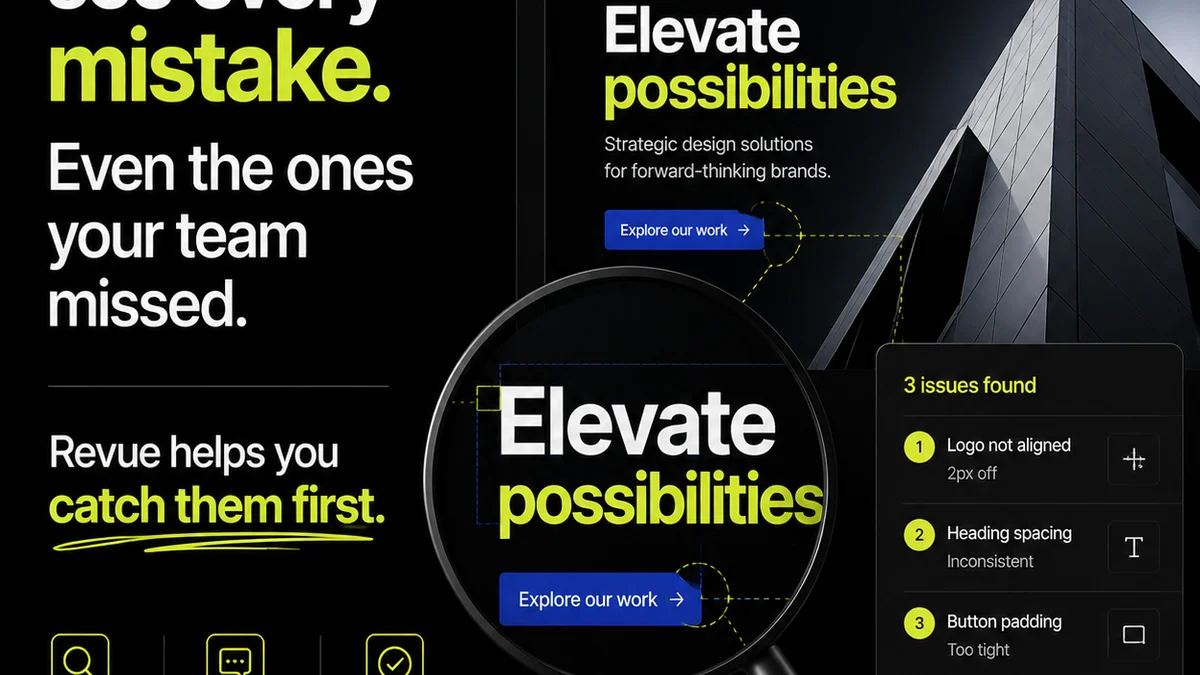
Revue provides that crucial layer of workflow management. It centralizes client and stakeholder feedback, bringing clarity to the chaos of revision cycles. Instead of scattered emails and Slack threads, all feedback is in one place, linked directly to the creative asset it pertains to.
This means your teams can:
- Manage Revisions Effectively: Track every change, understand the context behind it, and ensure it’s implemented correctly. No more lost feedback or duplicated effort.
- Gain Approval Visibility: See at a glance who has reviewed, who has approved, and what the current status is. This streamlines the approval process and reduces bottlenecks.
- Run Consistent Quality Checks: With all feedback and revision history centralized, it’s easier to conduct thorough quality assurance, ensuring that the final output aligns with the intended design and user experience.
By providing a single source of truth for feedback, revisions, and approvals, Revue helps teams maintain design integrity and operational efficiency, no matter how large they grow or how many stakeholders are involved.
Final Thought
The real challenge in scaling UI/UX isn't technical. It's organizational. It’s about how you facilitate communication, manage decision-making, and maintain quality across distributed teams and evolving projects.
Are you building a system that supports your team’s workflow, or are you just documenting a workflow that’s already breaking?
Frequently asked questions
What's the biggest mistake teams make when trying to scale UI/UX?
The biggest mistake is relying solely on documentation like style guides or design systems without addressing the underlying workflow for feedback, revisions, and approvals. This leads to outdated documentation and inconsistent execution as teams grow.
How can a design system help with scaling UI/UX?
A design system provides a common language and reusable components, which is essential. However, it's not a complete solution. It needs to be supported by clear processes for how components are updated, how feedback on them is gathered, and how new components are introduced and approved across teams.
What is the 'feedback loop black hole' in UI/UX scaling?
It refers to the situation where feedback on UI/UX elements is scattered across various channels (email, Slack, comments) and not systematically collected, prioritized, or actioned. This lack of central tracking leads to missed feedback, inconsistent implementation, and ultimately, a fragmented user experience.
How does Revue help with UI/UX scaling challenges?
Revue centralizes feedback, revisions, and approvals for creative assets. This provides a single source of truth, improves visibility for all stakeholders, streamlines the review process, and ensures that quality checks are thorough, thereby reducing bottlenecks and maintaining consistency across teams.