Everyone agrees that digital asset management (DAM) is important. Good organization saves time. Centralized files prevent wasted effort. Clients get what they need, when they need it.
None of that is wrong. But it’s incomplete.
The hard truth is that simply *having* a DAM system, or even a set of best practices, doesn't guarantee anything. Without active standardization and enforcement across every team, your DAM efforts can quickly devolve into the same chaos you were trying to escape.
1. The Illusion of 'Organized'
You’ve seen it. A new project kicks off. Everyone dives in, creating folders, naming files, uploading versions.
Someone creates a folder named ‘Final’. Another adds ‘Final_v2’. Then ‘Final_Really_Final’. Someone else uploads a PDF, but the designer saved the source file as ‘ProjectX_Logo_Final.ai’. Where did that go?
This isn't a lack of effort. It’s a lack of a unified system.
The Symptoms of Siloed DAM
- Wasted hours searching for the right file version.
- Duplicate assets clogging up storage.
- Inconsistent file naming conventions leading to confusion.
- Brand assets being used incorrectly or outdatedly.
- Difficulty onboarding new team members who can’t find anything.
- Client confusion and frustration over incorrect or missing files.
These aren't minor annoyances. They are direct drains on your agency’s profitability and reputation.
2. Defining Your Universal Language: Naming Conventions and Metadata
The foundation of any standardized DAM is a clear, universally understood system for naming files and tagging them with metadata. This isn't about bureaucracy; it's about creating a shared language.
Think of it like a library. Books aren't just thrown onto shelves. They have titles, authors, genres, and Dewey Decimal numbers. This structure allows anyone to find what they need.
Elements of a Robust Naming Convention
- Project Identifier: A unique code or name for each client/project.
- Asset Type: Clearly define categories (e.g., logo, photo, video, document).
- Version Numbering: A consistent system (e.g., v1, v2, v0.1, v0.2, or dated versions).
- Status Indicator: (e.g., DRAFT, REVIEW, APPROVED, FINAL).
- Date: YYYYMMDD format is usually best for sorting.
- Description/Keywords: Brief, searchable terms.
A simple convention might look like: `ClientName_ProjectName_AssetType_Version_Status_YYYYMMDD.ext`
Example: `AcmeCorp_WebsiteRedesign_Logo_v3_APPROVED_20231027.ai`
Metadata: The Search Engine for Your Assets
Metadata is data about your data. For DAM, this means tags, descriptions, keywords, usage rights, and creator information associated with each asset.
- Why it matters: It makes assets searchable even if the filename isn't perfect.
- What to include: Client, project, asset type, usage restrictions, expiration dates, keywords relevant to the content.
- Enforcement: Make metadata fields mandatory during upload.
Without this, your DAM is just a glorified file server. With it, it's an intelligent archive.
3. Structure is King: Folder Architecture and Access Control
How you organize your digital space matters as much as how you label things. A logical folder structure guides users intuitively.
Building a Scalable Folder System
- Client-Based: Top-level folders for each client.
- Project-Based: Within client folders, create sub-folders for each project.
- Asset Type Subfolders: Within projects, organize by asset type (e.g., ‘Branding’, ‘Web Design’, ‘Marketing Collateral’, ‘Final Deliverables’).
- Version/Status Folders: Some prefer to keep versions within the asset type folder, using naming conventions and metadata. Others might create ‘_Archive’ or ‘_Working’ folders. Choose what makes sense and stick to it.
Keep it simple. Overly complex structures become as hard to navigate as no structure at all.
Access Control: Who Sees What?
Not everyone needs access to everything. Standardizing DAM means defining roles and permissions.
- Internal Teams: Design, Marketing, Sales, Development – each may have different needs.
- Clients: Provide access only to approved assets for specific projects.
- External Partners: Freelancers, printers, etc., need controlled, temporary access.
Implementing strict access controls prevents accidental misuse, ensures brand consistency, and protects sensitive project files.
4. The Workflow Integration: Making DAM Part of the Process
The biggest mistake is treating DAM as a separate task. It needs to be woven into the fabric of your creative workflow.
Standardizing at Key Touchpoints
- Briefing: Ensure project briefs include requirements for asset naming and metadata.
- Creation: Designers and content creators adhere to naming conventions from day one.
- Review: Use the DAM for feedback and revisions, ensuring all commentary is tied to specific versions.
- Approval: The DAM should be the single source of truth for approved assets.
- Delivery: Final assets are easily exported or shared directly from the DAM.
This requires training and consistent reinforcement. New hires need to learn the system. Existing team members need reminders.
The Role of Technology
While process is key, the right tools make standardization achievable. Dedicated DAM platforms offer features like:
- Automated metadata tagging.
- Version control with clear history.
- Advanced search capabilities.
- User permission management.
- Integration with other creative tools.
Choosing a system that aligns with your agency’s size and needs is crucial. But remember, technology is an enabler, not a solution in itself.
Where Revue Fits In
Standardizing digital asset management doesn't just mean having a central place to store files. It means having clarity and control over how those files are handled throughout their lifecycle.
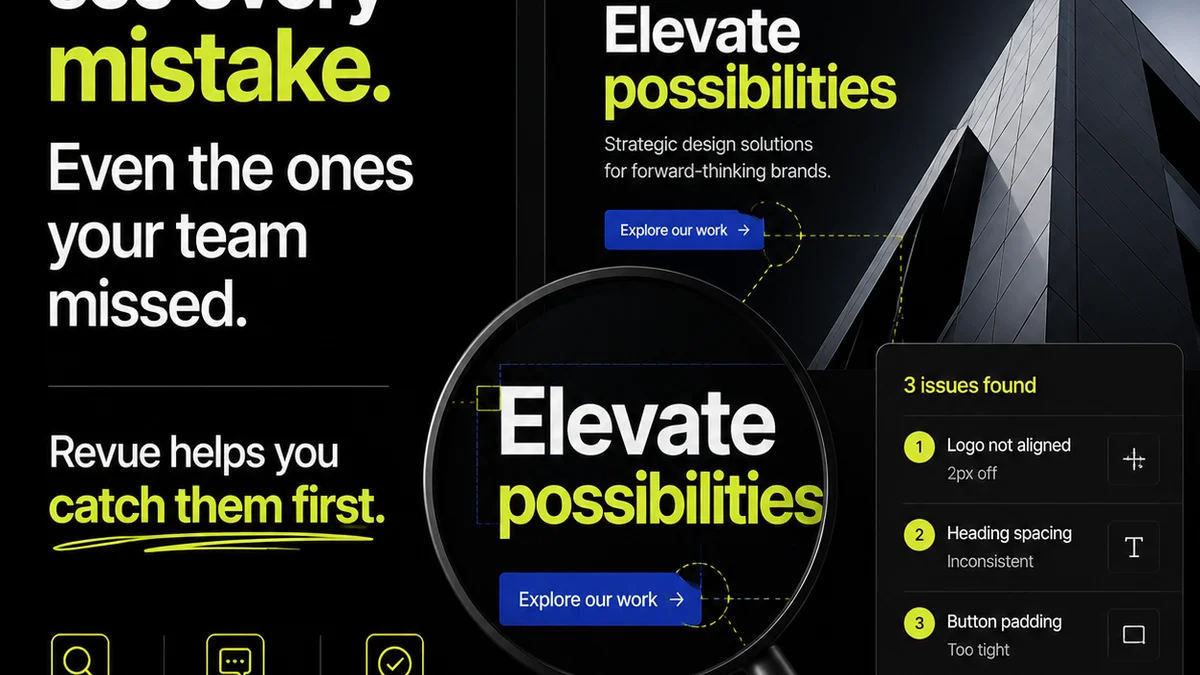
Revue plays a crucial role here by centralizing client feedback and revision tracking. Instead of scattered email threads or chat messages, all communication about a specific asset or project stage is linked directly within the platform.
This provides a clear, auditable trail of approvals and revisions, directly feeding into your DAM strategy. When a client approves a version in Revue, that status is clear. This reduces ambiguity and ensures that only the correctly iterated and approved assets move forward.
Furthermore, by streamlining the feedback loop, Revue helps ensure that revisions are managed systematically. This prevents the proliferation of unapproved or outdated versions that often plague less organized workflows and clog up DAM systems.
5. Enforcement and Evolution: Keeping the System Alive
A standardized system is only as good as its enforcement. This is where many agencies falter.
Making it Stick
- Training: Regular, mandatory training for all team members.
- Onboarding: DAM standards must be a core part of new hire orientation.
- Accountability: Designate DAM champions within teams.
- Audits: Periodically review file structures and metadata for compliance.
- Feedback Loop: Create a channel for team members to suggest improvements to the DAM system itself.
Enforcement isn't about punishment; it's about reinforcing the value of a consistent system for everyone.
Adapting to Change
Your DAM strategy shouldn't be set in stone. As your agency grows, your workflows evolve, and new technologies emerge, your DAM system needs to adapt.
Schedule regular reviews of your DAM policies and procedures. Are the naming conventions still practical? Is the folder structure serving new project types? Are there new metadata fields that would be beneficial?
A living DAM system is a dynamic asset, continuously optimized for efficiency and effectiveness.
Final Thought
Digital asset management is more than just storage. It’s a strategic operational discipline. Standardizing it across your teams isn't a nice-to-have; it's a fundamental requirement for scalable, profitable creative work. Are you building a system, or just collecting files?
Frequently asked questions
What are the biggest benefits of standardizing digital asset management?
Standardizing DAM significantly reduces time spent searching for files, minimizes errors from using outdated assets, improves brand consistency, streamlines collaboration, and ultimately boosts profitability by increasing team efficiency and client satisfaction.
How do I create effective file naming conventions?
Effective naming conventions typically include a project identifier, asset type, version number, status, and date. The key is to make it logical, consistent, and easy for anyone on the team to understand and apply.
What is metadata in the context of DAM?
Metadata is data about your digital assets. This includes descriptive information like keywords, client name, project, asset type, usage rights, and creator. It makes assets searchable and manageable beyond just their filenames.
How can my agency enforce DAM standards?
Enforcement involves clear training, integrating DAM into onboarding, assigning DAM champions, conducting regular audits, and creating a feedback mechanism for system improvements. Accountability and consistent reinforcement are key.
Can a DAM system be too complex?
Yes, a DAM system or its associated standards can become too complex if not designed with user-friendliness and scalability in mind. Overly complicated folder structures or mandatory metadata fields that are difficult to manage can hinder adoption. Simplicity and clear guidelines are crucial.