Everyone thinks standardizing Figma means forcing everyone to use the same color palette or component library. None of that is wrong. But it’s incomplete.
The hard truth? A truly standardized Figma workflow is about process, not just pixels. It’s about predictability, efficiency, and clarity for every designer, every project manager, and every client.
1. The Myth of the 'Self-Organizing' Design Team
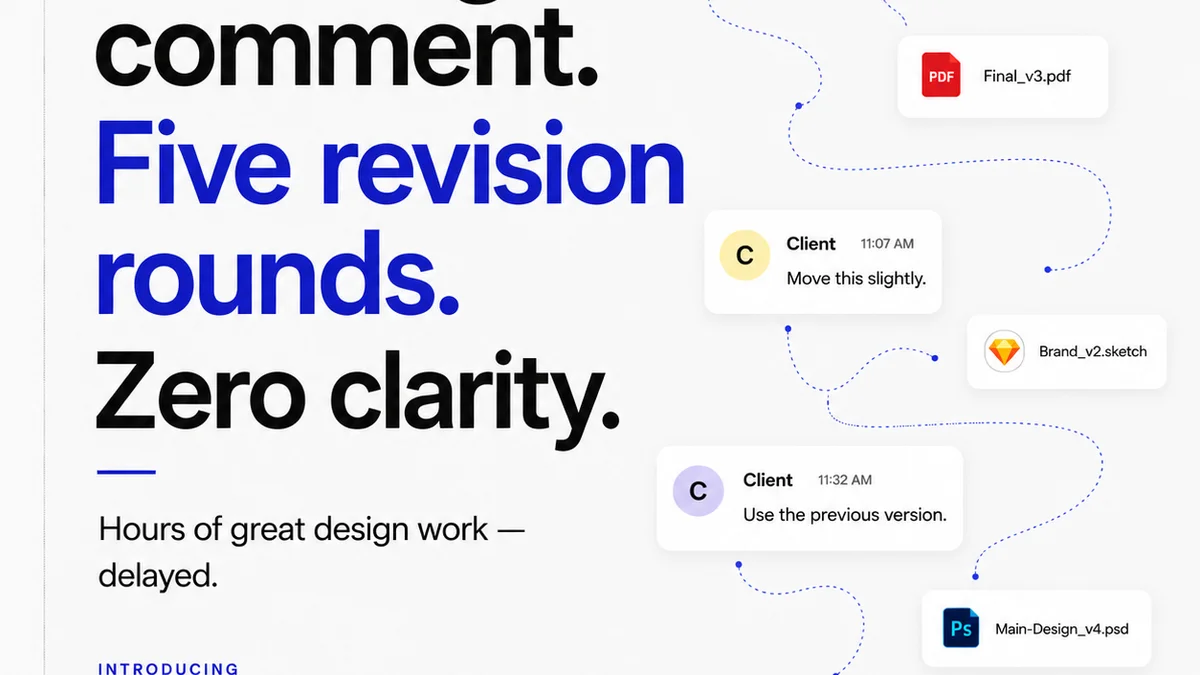
Agencies and in-house teams often assume that great designers will just *get it*. They’ll figure out file naming, version control, and handoff procedures on their own. It’s a recipe for chaos.
This assumption leads to:
- Inconsistent file structures, making assets hard to find.
- Endless
Frequently asked questions
Why is standardizing Figma workflow important?
Standardizing Figma workflow ensures consistency, reduces errors, speeds up project timelines, improves collaboration, and makes client feedback easier to manage. It creates predictability and scalability for your design operations.
What are the key components of a standardized Figma workflow?
Key components include consistent file naming conventions, established version control practices, a well-maintained component library, clear handoff procedures, defined roles and responsibilities, and a centralized system for feedback and approvals.
How can a component library contribute to workflow standardization?
A centralized and well-organized component library ensures that all team members use the same UI elements, reducing redundant work, maintaining visual consistency, and speeding up the design process. It acts as a single source of truth for design assets.
What role does client feedback play in standardizing Figma?
Client feedback is crucial. Standardizing how feedback is collected, organized, and actioned within Figma prevents miscommunication, ensures all stakeholders are heard, and streamlines the revision and approval process.