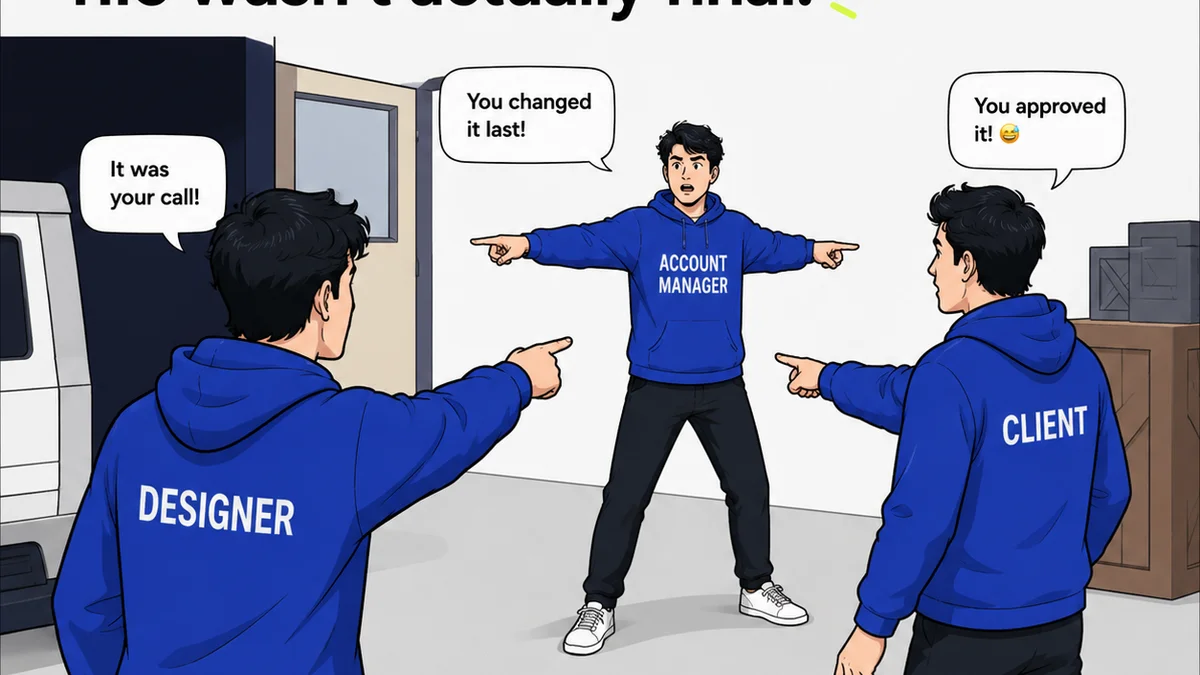
Everyone thinks client reviews are about the client. That they're inherently messy, subjective, and a drain on everyone's time. That's not entirely wrong.
But it’s an incomplete picture.
The real truth is, the client review process is a symptom. A symptom of underlying operational gaps. The tools you use, or don't use, don't just manage feedback; they define your team's ability to deliver great work, on time, and on budget. The right tools don't just 'manage' feedback; they engineer clarity, accountability, and speed.
1. Centralized Feedback Hubs: The Single Source of Truth
The most common mistake? Scattering feedback across email chains, Slack messages, and random documents. This is a recipe for disaster. Assumptions get made. Versions get confused. Important notes get lost.
You need a single place where all feedback lives. A place that’s accessible to everyone involved.
Why Email and Chat Fail
- Endless scrolling to find that one comment.
- No clear version history.
- Difficult to track who said what and when.
- Easy to miss crucial context.
- Impossible to get a clear overview of all feedback.
This isn't just inconvenient. It's a direct hit to your bottom line through wasted time and potential errors.
The Solution: Dedicated Platforms
This is where platforms designed for creative collaboration shine. They offer a structured environment for collecting, organizing, and acting on feedback.
Think of it as a digital war room for your projects. Everything related to a specific piece of creative is housed in one spot.
2. Version Control Systems: Tracking the Evolution of Creative
How many times have you heard, “Wait, which version are we looking at?” It’s the bane of creative operations.
Without robust version control, you’re essentially flying blind. You can’t confidently say which iteration is the latest, the approved one, or the one that needs specific changes.
This leads to:
- Revisiting old feedback on the wrong files.
- Accidentally working on outdated assets.
- Confusion about the final, approved state of a deliverable.
- Difficulty in auditing the revision process.
The Power of Clear Iterations
Good tools don't just store files; they manage their history. Every upload, every change, every approval should be logged and easily accessible.
This creates an irrefutable audit trail. It’s not just about showing the client the changes; it’s about protecting your team from scope creep and miscommunication.
3. Communication and Collaboration Tools: Bridging the Gaps
Feedback isn't just about comments; it's about context and conversation. But that conversation needs to be managed.
Relying solely on informal chats or lengthy email threads for client communication around creative assets is a gamble.
The Pitfalls of Disconnected Communication
- Lack of a centralized record for client conversations.
- Misinterpretation of tone or intent in text-based communication.
- Difficulty in bringing the right stakeholders into the loop.
- Wasted time chasing down answers or clarifications.
Streamlining Client Interaction
Effective tools facilitate clear, contextual communication. This means linking discussions directly to the creative asset being reviewed.
It ensures that when a client asks a question, the answer is visible to everyone who needs it, attached to the specific design element or copy. This reduces back-and-forth and speeds up decision-making.
4. Project Management Software: Orchestrating the Workflow
Creative reviews don't happen in a vacuum. They are part of a larger workflow.
Without a system to manage the entire project lifecycle, reviews become bottlenecks that halt progress.
The Chaos of Unmanaged Projects
- Tasks fall through the cracks.
- Deadlines are missed due to unclear priorities.
- Team members aren't sure what to work on next.
- It’s hard to forecast resource needs or project timelines accurately.
Integrating Reviews into the Workflow
Project management tools provide the framework. They allow you to schedule review stages, assign tasks for feedback incorporation, and track progress from concept to final delivery.
When reviews are integrated, they become a predictable part of the process, not an unpredictable roadblock.
Where Revue Fits In
You've got the tools for design, for communication, for project management. But where does the actual feedback loop fit? How do you ensure that the client's input is captured, acted upon, and approved without creating more work?
This is precisely the problem Revue solves.
Revue acts as the central nervous system for your client review and approval process. It’s built for creative teams who need clarity, accountability, and efficiency.
- Centralized Feedback: Upload any creative asset – mockups, videos, copy, PDFs – and gather all client comments in one place. No more hunting through emails.
- Contextual Communication: Comments are attached directly to the element they refer to. This eliminates ambiguity and ensures everyone understands the feedback.
- Version Control: Easily manage multiple versions of assets, compare them side-by-side, and track the evolution of the work.
- Streamlined Approvals: Clearly mark assets as approved or rejected, providing a definitive record that moves the project forward.
- Revision Tracking: See exactly who provided feedback, what changes were requested, and when those changes were implemented.
Revue integrates seamlessly into your existing workflow, transforming the often-chaotic review process into a streamlined, efficient operation. It’s about making sure the right feedback gets to the right person, at the right time, and is acted upon decisively.
5. Quality Assurance Checklists: The Final Gatekeeper
The client has approved. The project is 'done'. But is it *really* done?
Too often, a final polish is missed. A small error slips through. A brand guideline is violated. This is not the client's problem to catch; it's yours.
The Cost of a Missed Check
- Damage to your agency's reputation.
- Client dissatisfaction and potential rework.
- Erosion of trust.
- Wasted time and resources on last-minute fixes.
Building a Robust QA Process
A structured QA process, often supported by checklists, ensures that every deliverable meets a predefined standard before it goes out the door.
These checklists act as a safety net, catching issues that might have been overlooked in the rush to meet a deadline or incorporate feedback.
Final Thought
The tools you choose for client reviews are more than just software; they're an investment in operational excellence. They dictate the speed, clarity, and quality of your creative output.
Are your current tools just managing the chaos, or are they actively engineering a smoother, more profitable workflow?
Frequently asked questions
What is the biggest mistake teams make with client reviews?
Scattering feedback across multiple channels like email, chat, and documents. This leads to confusion, lost information, and wasted time trying to reconcile different inputs.
How can version control improve client reviews?
Version control ensures everyone is looking at and commenting on the latest iteration of a creative asset. It provides a clear history of changes and approvals, preventing confusion and rework.
Why is a centralized feedback hub important?
A centralized hub, like Revue, acts as a single source of truth for all feedback related to a specific project or asset. This eliminates ambiguity, improves accountability, and streamlines the revision process.
How do project management tools help with client reviews?
Project management tools integrate reviews into the overall workflow. They help schedule review stages, assign tasks for incorporating feedback, and track progress, preventing reviews from becoming bottlenecks.
What role does quality assurance play in client reviews?
Quality assurance, often through checklists, acts as a final gatekeeper. It ensures that all deliverables meet predefined standards before final client approval, catching errors that might have been missed and protecting your agency's reputation.