Everyone thinks UI QA is about finding misplaced pixels or broken links. None of that is wrong. But it’s incomplete.
For enterprise teams, especially those building complex products or serving large user bases, UI QA is a vastly more strategic discipline. It’s not just about aesthetics; it’s about operational efficiency, brand integrity, and a seamless user experience at scale. The hard truth? A shallow QA process means deeper, more costly problems down the line.
1. Functionality and Usability Checks
This is the baseline. Does the UI do what it’s supposed to do? Can users actually *use* it without getting lost or frustrated?
Think beyond the happy path. Test edge cases, error states, and interruptions.
Core Functionality
- Verify all interactive elements (buttons, links, forms, toggles) function as expected.
- Test navigation flows across all sections of the application.
- Ensure data submission and retrieval works correctly.
- Check for expected behavior on form validation (required fields, input types, error messages).
Usability and User Flow
- Are the primary user journeys intuitive?
- Can a new user understand how to accomplish key tasks?
- Are calls-to-action clear and prominent?
- Is there a logical flow between screens and features?
- Test responsiveness across different screen sizes and orientations.
2. Accessibility Testing (A11y)
Accessibility isn't an afterthought; it's a fundamental requirement for enterprise software. It broadens your audience and is often a legal necessity.
Ignoring A11y excludes users and opens your organization to risk.
Keyboard Navigation
- Can the entire interface be navigated using only a keyboard?
- Is the focus indicator clearly visible and logical?
- Are interactive elements focusable in a sensible order?
Screen Reader Compatibility
- Do all images have descriptive alt text?
- Are form labels associated with their input fields?
- Are headings used correctly to structure content?
- Do dynamic content updates announce appropriately?
- Test with common screen readers like NVDA, JAWS, or VoiceOver.
Color Contrast and Visual Cues
- Ensure sufficient color contrast between text and background (WCAG AA minimum).
- Don't rely on color alone to convey information. Use icons, text labels, or patterns.
- Check for usability for users with color blindness.
ARIA Implementation
- Use ARIA attributes judiciously to enhance, not replace, native HTML semantics.
- Ensure custom components have appropriate roles and states.
Tools like axe DevTools can automate parts of this, but manual testing is critical.
3. Performance and Responsiveness
Enterprise users expect speed and reliability. Slow UIs kill productivity and frustrate users.
Performance issues can manifest as sluggish interactions or long load times.
Load Times
- Measure the time it takes for key pages and components to load.
- Identify and optimize large assets (images, scripts).
- Test performance on different network conditions (e.g., simulated 3G).
Interaction Speed
- Are animations smooth and non-janky?
- Do dropdowns, modals, and other interactive elements appear and disappear instantly?
- Is there perceived performance through loading indicators or skeleton screens?
Responsiveness Across Devices
- How does the UI adapt to different screen resolutions and device types?
- Are layouts breaking or becoming unusable on smaller screens?
- Is touch target size adequate on mobile devices?
4. Brand Consistency and Design System Adherence
Enterprise applications often involve multiple teams and touchpoints. Maintaining a consistent brand experience is paramount.
Inconsistency erodes trust and makes the product feel disjointed.
Visual Identity
- Verify correct use of logos, brand colors, and typography.
- Ensure spacing, alignment, and visual hierarchy match the design system.
- Check that iconography is consistent in style and weight.
Component Library
- Are UI components (buttons, cards, forms, navigation) implemented according to the design system specifications?
- Are there any custom-built components that deviate from the established patterns?
- Is the tone of voice in UI text (labels, error messages, tooltips) consistent with brand guidelines?
Cross-Platform Consistency
- If the product spans web and mobile, are the experiences consistent where appropriate?
- Are platform-specific conventions respected (e.g., iOS vs. Android patterns)?
5. Security and Data Integrity
For enterprise, security is non-negotiable. UI QA plays a role in preventing common vulnerabilities.
This isn't just about penetration testing; it's about preventing data leaks and unauthorized access through the interface.
Input Sanitization
- Test for common injection vulnerabilities (e.g., XSS) by entering malicious strings in input fields.
- Ensure sensitive data is not exposed in URLs or client-side logs.
Access Control
- Verify that users can only see and interact with features and data they are authorized to access.
- Test different user roles and permissions thoroughly.
Data Display
- Ensure sensitive data (e.g., passwords, PII) is masked or encrypted appropriately in the UI.
- Check that data displayed is accurate and hasn't been tampered with.
6. Internationalization and Localization (I18n/L10n)
If your enterprise product serves a global audience, I18n/L10n QA is critical.
A poorly localized UI can be worse than no localization at all.
Text Expansion/Contraction
- Do UI elements accommodate longer text strings in different languages (e.g., German vs. English)?
- Are there issues with text truncation or overlapping elements?
Layout and Directionality
- Test right-to-left (RTL) language support (e.g., Arabic, Hebrew).
- Ensure layouts adapt correctly and don't break.
- Check date, time, and number formats for regional accuracy.
Cultural Appropriateness
- Are images, icons, and colors culturally sensitive?
- Is the translated copy natural and contextually correct?
7. Performance Under Load
Enterprise systems often have many users interacting simultaneously. QA needs to simulate this.
This goes beyond single-user performance.
Concurrency Testing
- Simulate multiple users performing the same or conflicting actions concurrently.
- Identify race conditions or data corruption issues.
Data Volume
- Test how the UI performs with large datasets (e.g., thousands of rows in a table, large file uploads).
- Ensure performance doesn't degrade unacceptably.
Where Revue Fits In
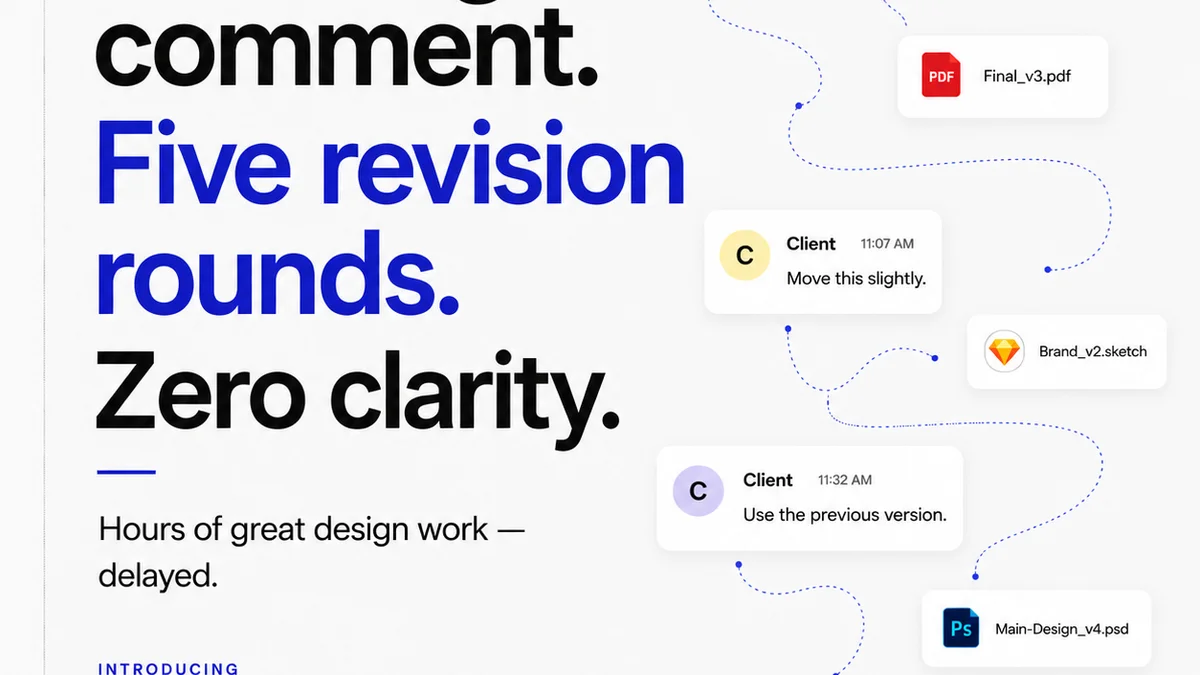
Managing UI QA for enterprise projects, especially with distributed teams or multiple stakeholders, is complex. Keeping track of feedback, revisions, and approvals across different channels is a recipe for missed details and delays.
Revue is designed to centralize client and stakeholder feedback directly on the creative assets. This means:
- Consolidated Feedback: All comments, annotations, and revisions live in one place, linked to the specific version of the UI. No more hunting through emails or disparate chat logs.
- Clear Revision Tracking: Easily see what changed between versions, who approved what, and when. This visibility is crucial for enterprise-level accountability.
- Streamlined Quality Checks: When it’s time for QA, your team has a single source of truth for all feedback and requirements, making the testing process more efficient and thorough.
By bringing structure to feedback and approvals, Revue helps ensure that the UI QA process is comprehensive, reducing the risk of overlooked issues and accelerating your time to release.
Final Thought
Is your UI QA checklist truly comprehensive, or just a list of cosmetic fixes? For enterprise teams, the difference between a good UI and a great one isn't just how it looks, but how it performs, how accessible it is, and how reliably it serves its users day in and day out. Are you building for pixel perfection, or for operational excellence?
Frequently asked questions
What is the primary goal of UI QA for enterprise teams?
The primary goal is to ensure the user interface is not only visually correct but also highly usable, accessible, secure, performant, and consistent with brand standards across all user segments and devices. It's about operational excellence, not just aesthetics.
How does accessibility testing differ for enterprise UI QA?
For enterprise, A11y testing is critical due to broader user bases and legal compliance. It involves rigorous checks for keyboard navigation, screen reader compatibility, color contrast, and ARIA implementation, often going beyond basic compliance to ensure inclusivity for all employees and customers.
Why is brand consistency important in enterprise UI QA?
In enterprise environments with multiple teams and product touchpoints, consistent branding builds trust and a unified user experience. UI QA ensures adherence to design systems, correct use of visual identity elements, and consistent tone of voice across the application.
How can tools like Revue help with enterprise UI QA?
Revue helps by centralizing all feedback, annotations, and version control in one place. This provides a single source of truth for QA teams, streamlines the review process, and ensures all stakeholders are aligned on requirements and approvals, making the QA process more efficient and thorough.