Everyone agrees that quality assurance (QA) is critical for digital products. You need to test for bugs, broken links, and visual glitches. That’s table stakes.
But if you think a UX QA checklist is just about finding and fixing defects, you’re missing the bigger picture. Especially as we look towards 2026.
The Hard Truth: UX QA is About Strategic Alignment
The real job of UX QA in the coming years isn’t just about whether a button works. It’s about whether the entire experience works for the user, for the business, and for the long term.
It’s about validating that the design decisions made during development actively contribute to user satisfaction, business objectives, and sustainable growth. That requires a different kind of checklist.
1. Functionality Beyond the Happy Path
Sure, test that users can log in. But what about the edge cases? What happens when a user enters invalid data, loses their connection mid-transaction, or tries to perform an action they don’t have permission for?
Input Validation and Error Handling
This is more than just showing a red border. Effective error handling guides the user. It tells them exactly what went wrong and how to fix it. A good UX QA checklist probes this deeply.
- Does the system prevent invalid input where possible?
- Are error messages clear, concise, and actionable?
- Are error messages displayed contextually, near the point of error?
- Does the system recover gracefully from errors without losing user progress?
- Are API errors handled gracefully and translated into user-friendly messages?
State Management
How does the interface behave when data changes? Think about loading states, empty states, and success states. These moments are critical for user perception.
- Are loading indicators clear and non-disruptive?
- Are empty states informative and do they guide the user on what to do next?
- Are success messages clear and timely after an action is completed?
- Does the UI accurately reflect the underlying data state?
Cross-Browser and Cross-Device Consistency
This isn’t new, but the complexity is increasing. Your checklist must account for the vast array of devices and browsers your users interact with.
- Test on the latest versions of Chrome, Firefox, Safari, and Edge.
- Include older but still significant versions (e.g., Safari on older iOS).
- Test on popular mobile devices (iPhones, Android phones) and tablets.
- Consider different screen resolutions and aspect ratios.
2. Usability and User Experience Metrics
Functionality is the foundation, but usability is the structure. Does the product feel intuitive? Can users achieve their goals efficiently and with satisfaction?
Task Completion Rates
Can users actually do what they came to do? This is the ultimate test.
- Define key user tasks.
- Time how long it takes users to complete these tasks.
- Note any points of friction or confusion.
- Measure the success rate of task completion.
Learnability and Memorability
How quickly can a new user become proficient? How easily can a returning user remember how to use it?
- First-time user testing is key here.
- Observe users interacting with the product without direct guidance.
- Are common actions discoverable?
- Are navigation patterns consistent and predictable?
Efficiency and Satisfaction
Once users know how to use it, can they do it quickly? Do they enjoy the experience?
- Measure the number of steps or clicks required for common actions.
- Gather qualitative feedback on user satisfaction through surveys or interviews.
- Look for opportunities to streamline workflows.
3. Accessibility: A Non-Negotiable Standard
In 2026, accessibility isn’t a nice-to-have; it’s a legal and ethical imperative. Your UX QA checklist must bake this in from the start.
WCAG Compliance
The Web Content Accessibility Guidelines (WCAG) provide a framework. Aim for AA compliance at a minimum.
- Perceivable: Can users perceive the content? (e.g., alt text for images, captions for videos).
- Operable: Can users operate the interface? (e.g., keyboard navigation, sufficient color contrast).
- Understandable: Can users understand the content and operation? (e.g., clear language, predictable navigation).
- Robust: Can the content be interpreted reliably by a wide variety of user agents, including assistive technologies? (e.g., proper semantic HTML).
Tools like axe DevTools and browser extensions can help automate some checks.
Keyboard Navigation
Can the entire product be used with a keyboard alone? This is crucial for users who cannot use a mouse.
- Is the focus indicator visible and logical?
- Can all interactive elements be reached and activated via the keyboard?
- Is the tab order logical and intuitive?
Screen Reader Compatibility
How does the product sound to a user relying on a screen reader?
- Use screen readers (like NVDA, JAWS, VoiceOver) to test key flows.
- Are ARIA roles and attributes used correctly and sparingly?
- Are form fields properly labeled?
- Is dynamic content announced appropriately?
4. Performance and Responsiveness
Slow or janky interfaces kill user experience. Performance is a feature.
Load Times
Users expect pages to load almost instantly. Anything more than a few seconds can lead to abandonment.
- Optimize images and other media.
- Minify CSS and JavaScript.
- Leverage browser caching.
- Use a Content Delivery Network (CDN).
Responsiveness and Layout Shifts
Does the layout adapt gracefully to different screen sizes without content jumping around?
- Test on various devices and orientations.
- Minimize Cumulative Layout Shift (CLS) by pre-specifying dimensions for images and ads.
- Ensure content reflows correctly without horizontal scrolling on small screens.
5. Security and Privacy Considerations
While often considered IT’s domain, UX QA has a role in ensuring user data is handled responsibly.
Data Exposure
Does the interface inadvertently reveal sensitive information?
- Are password fields masked by default?
- Are sensitive details (like credit card numbers) masked after input?
- Are URLs free of sensitive parameters?
Consent and Transparency
Are users clearly informed about data collection and usage?
- Are privacy policies easily accessible?
- Are consent mechanisms clear and understandable?
6. Content Quality and Clarity
Even the most functional and accessible product can fail if the content is confusing or erroneous.
Grammar and Spelling
This seems basic, but it’s often overlooked in the rush. Typos erode trust.
- Run spell-checkers and grammar tools.
- Have a fresh pair of eyes proofread critical content.
Tone of Voice and Brand Consistency
Does the language align with the brand? Is it appropriate for the target audience?
- Does the copy adhere to brand guidelines?
- Is the tone consistent across all touchpoints?
Accuracy and Up-to-Date Information
Is the information presented correct and current?
- Verify facts, figures, and dates.
- Ensure product details are accurate.
Where Revue Fits In
Managing a comprehensive UX QA checklist is complex. It involves multiple stakeholders, numerous test cases, and a constant stream of feedback.
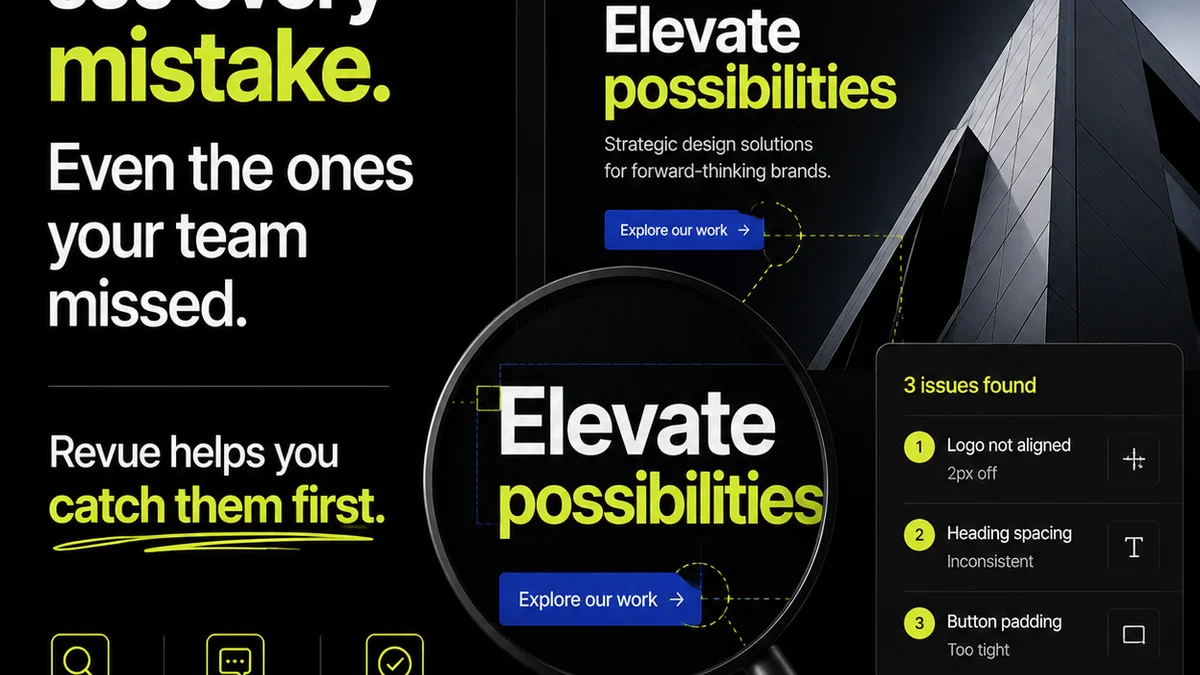
This is where a centralized platform like Revue becomes invaluable. It streamlines the entire feedback loop.
Instead of scattered emails, spreadsheets, and Slack messages, all client feedback, revision requests, and approval statuses live in one place. This visibility is crucial for effective QA.
When QA teams can easily access the latest design versions and see the context of feedback, they can perform more thorough checks. They can ensure that all requirements, including usability and accessibility concerns, are addressed before launch.
Revue helps bridge the gap between design, development, and client stakeholders, ensuring that quality checks are integrated into the workflow, not tacked on at the end.
Final Thought
The definition of
Frequently asked questions
What is the difference between functional QA and UX QA?
Functional QA focuses on whether a feature works as specified. UX QA goes broader, assessing the overall user experience, including usability, accessibility, efficiency, and user satisfaction.
How often should UX QA be performed?
Ideally, UX QA should be an ongoing process integrated throughout the development lifecycle, not just a final step. Regular testing during design, development, and before release is crucial.
What are the key components of a UX QA checklist?
A comprehensive UX QA checklist includes functionality (beyond happy path), usability, accessibility (WCAG compliance, keyboard navigation, screen reader compatibility), performance, security, and content quality.
How can I ensure my UX QA checklist is up-to-date for future trends?
Stay informed about evolving user expectations, accessibility standards (like updated WCAG versions), new device types, and performance best practices. Regularly review and update your checklist based on industry changes and user feedback.