Most people think UX QA and UI QA are basically the same thing. They figure if you're checking the user interface, you're automatically covering the user experience. Or worse, they use the terms interchangeably, assuming everyone knows what they mean.
None of that is wrong. But it’s incomplete.
The hard truth is that treating UX QA and UI QA as a single entity leads to blind spots. You end up focusing on one at the expense of the other, and your product suffers.
1. Defining the Terms: More Than Just Jargon
Let's cut through the noise. These aren't just fancy buzzwords. They represent distinct, though interconnected, areas of product quality.
UI QA: The Surface Level Check
UI QA is about the interface itself. Does it look right? Does it function as designed? This is the realm of pixel perfection, visual consistency, and interaction mechanics.
- Visual Accuracy: Does the UI match the design mockups precisely? Are colors, typography, spacing, and imagery correct?
- Element Functionality: Do buttons click? Do forms submit? Do sliders slide? Are interactive elements responsive and predictable?
- Responsiveness & Adaptability: Does the UI render correctly across different screen sizes and devices? Does it adapt gracefully to various resolutions and orientations?
- Cross-Browser/Platform Consistency: Does the UI behave and appear consistently across supported browsers and operating systems?
Think of UI QA as the gatekeeper of the front-end. It ensures the building blocks are solid and look good.
UX QA: The Deeper Dive into Usability
UX QA, on the other hand, goes beyond the surface. It's about how the user feels and interacts with the product. Does it make sense? Is it efficient? Is it enjoyable?
- Usability & Ease of Use: Can users easily achieve their goals without confusion or frustration? Is the navigation intuitive?
- Task Completion Efficiency: How quickly and effectively can users complete key tasks? Are there unnecessary steps or roadblocks?
- Information Architecture & Flow: Is content organized logically? Does the user journey flow smoothly from one step to the next?
- Accessibility: Does the product cater to users with disabilities? (e.g., screen reader compatibility, keyboard navigation, sufficient color contrast).
- Error Prevention & Handling: Does the system help users avoid mistakes? When errors do occur, are they clearly explained and easy to recover from?
- Overall User Satisfaction: Does the product meet user needs and expectations in a way that fosters positive sentiment?
UX QA is the detective work. It’s about understanding the human element and ensuring the product serves its intended purpose effectively and pleasantly.
2. The Interplay: Why You Need Both
You can't have good UX without a functional UI. And a beautiful UI is useless if the UX is broken.
Imagine a beautifully designed button (great UI). But when you click it, it leads to the wrong page, or nothing happens (broken UX).
Or consider a perfectly functional navigation system (great UI). But the labels are confusing, the information hierarchy is illogical, and users can’t find what they’re looking for (broken UX).
These two disciplines are deeply intertwined. A robust QA process needs to address both.
Common Pitfalls of Neglecting One Area
When teams focus solely on UI QA, they often miss critical usability flaws. Users might be able to see everything correctly, but they can't do things effectively.
- A complex checkout process that looks perfect but overwhelms users.
- Confusing form labels that lead to incorrect data entry.
- Hidden calls-to-action that users never find.
Conversely, focusing only on UX without rigorous UI checks can lead to a clunky, unprofessional product.
- Inconsistent button styles that confuse users about their function.
- Typos and grammatical errors that erode credibility.
- Layout shifts that disrupt the user's flow and concentration.
The goal is a seamless, intuitive, and visually polished experience. That requires deliberate attention to both UI and UX aspects during QA.
3. Implementing Effective UX & UI QA Strategies
So, how do you actually do this? It’s not about throwing more people at the problem. It’s about a structured approach.
UI QA Tactics
This often involves detailed checklists and automated tools.
- Visual Regression Testing: Automated tools compare screenshots of UI elements across different builds to catch unintended visual changes.
- Component Testing: Verifying individual UI components (buttons, forms, modals) in isolation to ensure they function and render correctly.
- Cross-Browser/Device Testing: Using tools or real devices to ensure UI consistency across various environments.
- Pixel-Perfect Audits: Manual or semi-automated checks against design specifications.
UX QA Tactics
This requires a more human-centric approach, often involving user testing and heuristic evaluation.
- Usability Testing: Observing real users (or representative testers) as they attempt to complete tasks. This is invaluable for uncovering workflow issues.
- Heuristic Evaluation: Experts assess the interface against established usability principles (like Nielsen's heuristics).
- Task Analysis: Breaking down key user journeys and evaluating the efficiency and clarity of each step.
- Accessibility Audits: Using tools (like WAVE, Axe) and manual checks (keyboard navigation, screen reader testing) to ensure WCAG compliance.
- Content Review: Checking for clarity, tone, consistency, and accuracy of all text within the interface.
It’s crucial to involve people with different perspectives. Designers, product managers, and even customer support reps can offer unique insights into potential UX issues.
4. Where Revue Fits In
Managing the QA process, especially across multiple projects and clients, can become chaotic. Feedback gets lost, revisions are unclear, and quality checks become an afterthought.
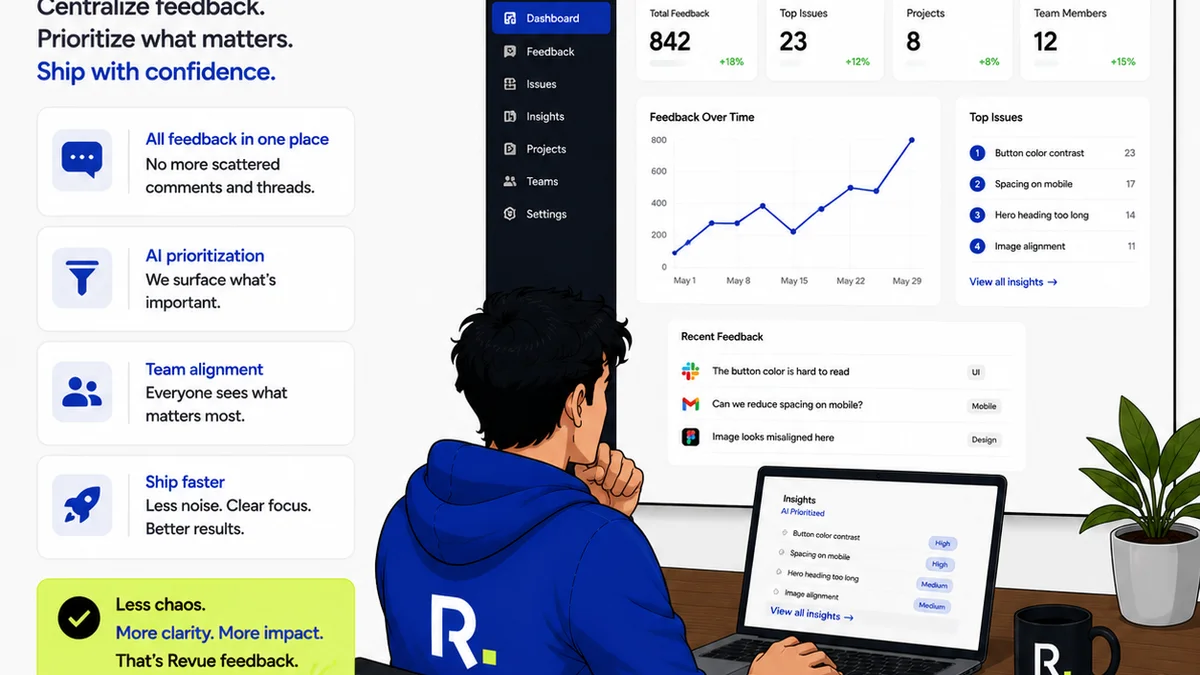
Revue streamlines this complexity by centralizing feedback and managing the revision and approval cycle.
- Centralized Feedback: Instead of scattered emails and messages, all client feedback lives in one place, linked directly to the creative asset. This ensures UI and UX comments aren't lost in the shuffle.
- Clear Revision Tracking: See exactly what changed, who requested it, and when. This transparency is vital for both UI adjustments and UX flow improvements.
- Structured Approval Workflows: Define clear stages for review and approval, ensuring that both functional (UI) and usability (UX) aspects are considered before sign-off.
- Version Control Visibility: Easily compare different versions of a design. This helps QA teams spot regressions in both UI appearance and UX flow that might have been introduced.
By providing a single source of truth for feedback and approvals, Revue helps ensure that both the visual polish (UI) and the functional effectiveness (UX) are rigorously maintained throughout the project lifecycle.
5. Final Thought
Are you treating QA as a mere checkbox exercise, or as a strategic investment in user satisfaction and product success?
The distinction between UX QA and UI QA isn't just semantic; it's a fundamental aspect of building products that people not only like to look at, but also love to use.
Frequently asked questions
What is the main difference between UX QA and UI QA?
UI QA focuses on the visual elements and interactive components of an interface – ensuring it looks correct and functions as designed (e.g., buttons work, layout is accurate). UX QA focuses on the overall usability and user journey – ensuring the product is intuitive, efficient, and enjoyable to use, regardless of its visual appearance.
Can a product have good UI but bad UX?
Absolutely. A product can look visually stunning and pixel-perfect (good UI), but be incredibly difficult or frustrating to navigate and use (bad UX). Conversely, a product might have basic visuals but offer a highly intuitive and efficient user flow (good UX).
Why is it important to distinguish between UX QA and UI QA?
Distinguishing them helps ensure a comprehensive quality assurance process. Focusing only on UI might miss critical usability flaws, while focusing only on UX might overlook visual inconsistencies or functional bugs that damage credibility and user trust.
How does QA testing for UX differ from testing for UI?
UI testing often relies on design specifications, visual regression tools, and cross-browser/device checks. UX testing typically involves observing real users performing tasks (usability testing), heuristic evaluations against usability principles, and accessibility audits.