You think version control is just about saving files with dates? Or maybe using the latest cloud sync to keep things tidy? That’s a start, but it’s not the whole story. For creative agencies drowning in feedback loops and endless revisions, mastering version control is more than just a technical necessity; it’s a critical operational discipline.
The hard truth? Most version control failures aren't about the software. They're about process, communication, and human error. And those are the things you can actually control.
1. The "Latest" File Fallacy
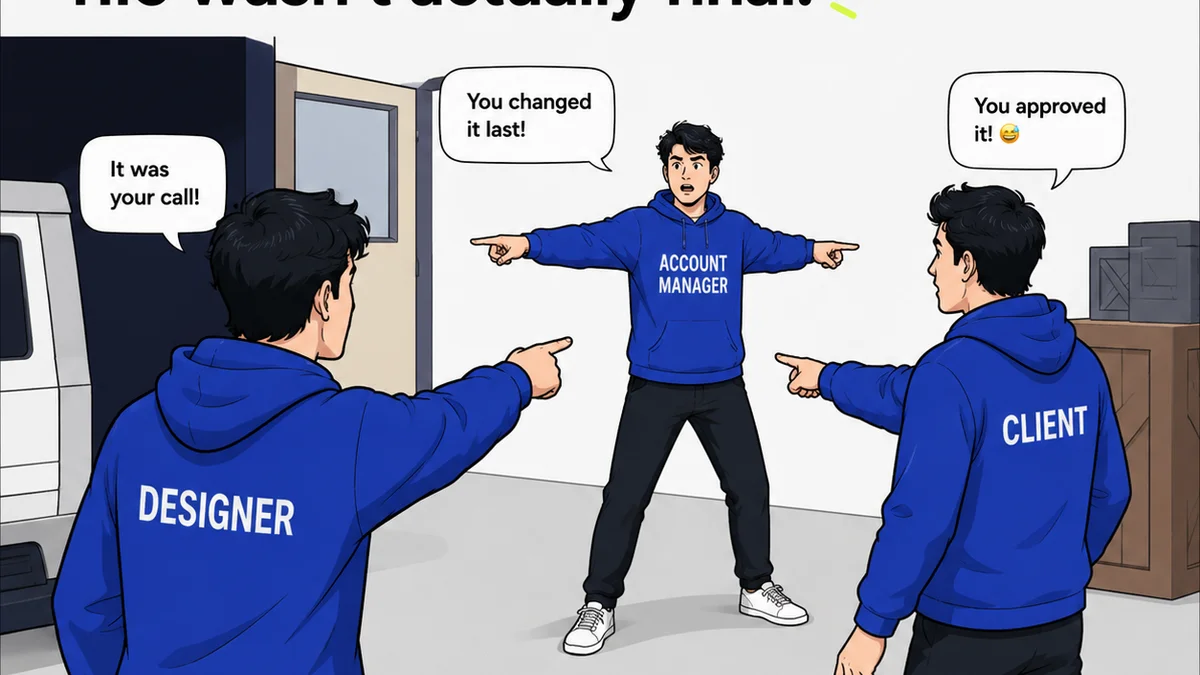
The most common mistake agencies make is assuming the file named `Project_Final_v3_ReallyFinal_USE_ThisOne.psd` is actually the final, approved version. This creates chaos. Who signed off on what? What’s the single source of truth? Without strict protocols, you’re sailing blind.
This isn't just about naming conventions. It’s about a fundamental lack of clarity on what constitutes an official, approved asset.
The Symptoms:
- Endless
Frequently asked questions
What is the best version control system for creative agencies?
The 'best' system depends on your team's specific needs and workflow. Many agencies find success with cloud storage solutions that offer version history (like Google Drive, Dropbox, or OneDrive), while others opt for more specialized tools or integrated platforms that combine version control with feedback and approval features. The key is to choose a system that your team will actually use consistently and that supports your defined processes.
How can I prevent accidental overwrites in creative projects?
Implement clear naming conventions and ensure everyone understands them. Use features like 'File Lock' or 'Check-Out/Check-In' if your system supports them. Crucially, establish a workflow where only designated individuals can make final saves or mark versions as approved. Regular training on these protocols is essential.
Is it okay to use cloud storage as my primary version control?
Yes, many cloud storage services offer robust version history features that can serve as effective version control for creative assets. The critical factor is not the tool itself, but how you implement your processes around it. Consistent file naming, clear approval stages, and team discipline are paramount, regardless of the platform.
How do I manage feedback on different versions?
Centralizing feedback is key. Instead of scattered email threads or Slack messages, use a dedicated platform where feedback is linked directly to specific versions of the asset. This creates an auditable trail and ensures everyone is commenting on the correct iteration. Tools that consolidate feedback in one place prevent confusion and missed comments.