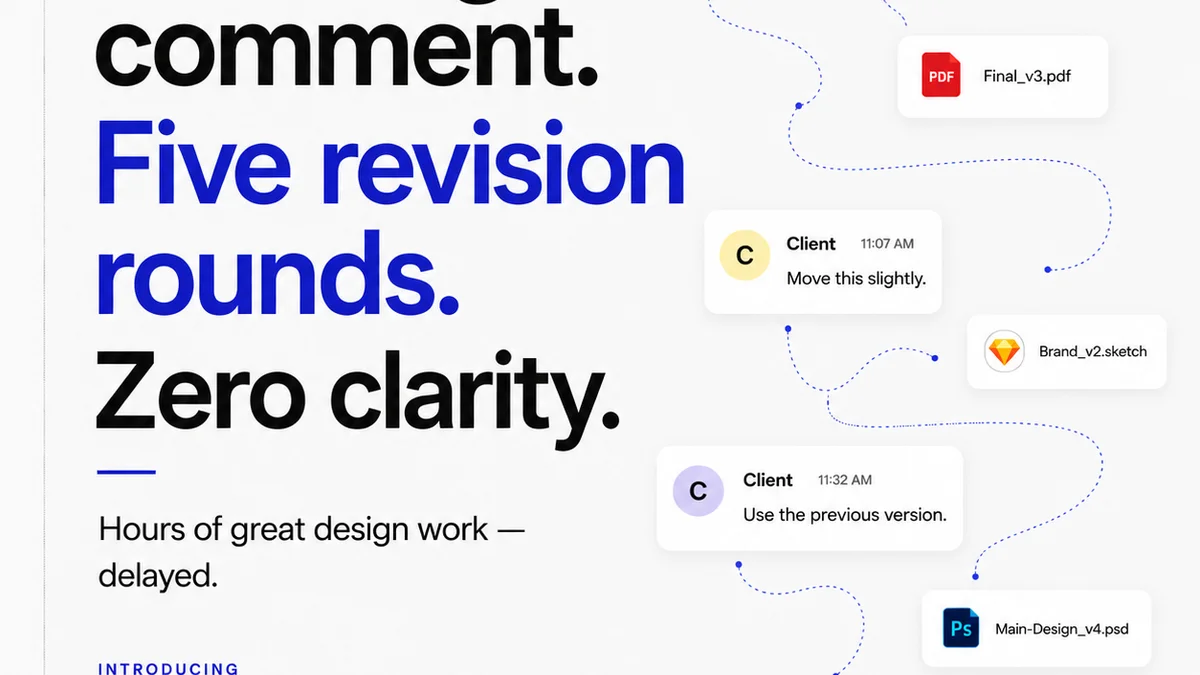
Everyone thinks version control is about the software. Git, SVN, Perforce – pick your poison. The common assumption is that if you just learn the commands, or use the right GUI, you'll be fine. You'll avoid overwriting work, losing progress, or creating merge conflicts from hell.
None of that is wrong. But it’s incomplete.
The hard truth is that version control mistakes are rarely about the technology. They’re about workflow, communication, and human error. They’re about how teams actually work, not how they *should* work in a perfect world.
1. The "Save As" Mentality Dies Hard
This is the root of so many problems. The old way of working was to save multiple copies of a file: `logo_v1.ai`, `logo_final.ai`, `logo_final_really_final.ai`.
Version control systems are designed to replace this chaotic mess. But the mindset lingers.
Teams still treat the VCS like a fancy backup. They commit infrequently, use vague commit messages, and expect the history to be linear and clean.
The Symptoms:
- Massive commits with hundreds of unrelated changes.
- Confusing commit messages like "Updated file" or "Fixes".
- Frequent "Who deleted this?" or "Where did my changes go?" conversations.
- Fear of branching or merging, leading to everyone working on `main`/`master`.
The problem isn't the VCS. It’s the ingrained habit of treating files as discrete, independent entities rather than a continuous stream of development.
2. Poor Branching Strategy: The Wild West or the Fortress
Branching is the superpower of modern version control. It allows parallel development, experimentation, and isolation of work. But it’s also where teams go to die.
Two extremes usually emerge:
- The Wild West: Everyone branches for everything. Feature branches, bugfix branches, chore branches, experimental branches. The repository becomes a graveyard of abandoned branches. Merging is a nightmare because no one remembers what was in each branch or why it was created.
- The Fortress: No one branches. Everyone commits directly to `main` or `master`. This is the ultimate "Save As" mentality disguised as efficiency. It guarantees that any broken change affects everyone, and collaboration becomes a game of "don't break the build."
Neither extreme is functional.
Finding the Balance: A Workflow Example
A common, effective pattern is Gitflow or a simplified version of it. It’s not perfect, but it provides structure:
- `main` (or `master`): Represents production-ready code. Only stable, tested releases go here.
- `develop` (or `main` if `main` is prod): The integration branch where features are merged before release.
- Feature Branches: Branched off `develop` for each new feature or task. Merged back into `develop` when complete.
- Release Branches: Branched off `develop` when preparing for a release. Bug fixes specific to the release go here.
- Hotfix Branches: Branched off `main` for urgent production bug fixes. Merged back into both `main` and `develop`.
The key is defining the rules and sticking to them. This requires team discipline, not just technical skill.
3. Vague Commit Messages: The Digital Grunt
Commit messages are the narrative of your project’s history. They tell the story of *why* changes were made, not just *what* changed.
Bad commit messages are like finding a diary entry that just says, "Did stuff." Useless.
Common offenders:
- "Fixed bug"
- "Updated file"
- "WIP"
- "Changes"
- Empty messages
Why is this a problem? When you need to find a specific change, revert a problematic commit, or understand the context of a bug, a clear message is invaluable. Vague messages force you to dig through code, guess the intent, or ask colleagues who may have long since forgotten.
The Conventional Commits Standard
Consider adopting a convention. Conventional Commits is a lightweight specification that uses a predefined structure for commit messages:
[optional scope]:
[optional body]
[optional footer(s)]
Examples:
- `feat: add user profile page`
- `fix(auth): correct password reset token expiration`
- `docs: update README with installation guide`
- `refactor!: remove deprecated API endpoint`
This structure makes commit history more readable, enables automated changelog generation, and forces clearer thinking about the purpose of each change.
4. Ignoring Code Reviews and Pull Requests
Pull Requests (PRs) or Merge Requests (MRs) are more than just a formality. They are a critical part of the version control workflow for collaboration and quality assurance.
Ignoring them, or treating them as a rubber stamp, defeats their purpose.
Common mistakes:
- Creating PRs with dozens of unrelated changes.
- Reviewing PRs without fully understanding the changes.
- Approving PRs without testing or running the code.
- Waiting days to review a PR, blocking progress.
- Never creating PRs, pushing directly to shared branches.
PRs are your team’s opportunity to catch errors, share knowledge, and ensure consistency *before* changes hit the main codebase. Skipping this step is asking for trouble.
What Makes a Good PR Process?
- Small, Focused PRs: Easier to review, less chance of introducing bugs.
- Clear Descriptions: Explain the *what* and *why* of the changes. Link to tickets or issues.
- Thorough Reviews: Ask questions, check logic, test the code.
- Timely Feedback: Aim for reviews within a business day.
- Automated Checks: Linters, formatters, and basic tests should pass before a PR is even submitted.
Version control isn’t just about saving files; it's about managing change and collaboration.
5. Treating the VCS as a Black Box
Many teams use version control tools like magic boxes. They know `git commit` and `git push` work, but they have no idea what’s happening under the hood.
This lack of understanding leads to fear and mistakes when things go wrong.
When a merge conflict arises, or a `git revert` doesn't do what’s expected, the team freezes. They don't understand the history, the staging area, or the commit graph.
Invest in Understanding
You don't need to be a Git guru, but a basic understanding of core concepts is crucial:
- The Three States: Working Directory, Staging Area, Repository.
- Commits: Snapshots of your project at a point in time.
- Branches: Pointers to commits, allowing independent lines of development.
- Merging: Combining different lines of development.
- Conflicts: When the VCS can’t automatically combine changes.
Tools like Git documentation or visualizers can help demystify the process. Understanding builds confidence and reduces errors.
Where Revue Fits In
Version control manages the *files* and the *code*. But creative projects involve more than just code or design assets.
They involve clients. And clients don’t use Git.
Centralizing client feedback, managing revisions, and tracking approvals is a critical part of the creative workflow that version control alone doesn't solve.
Revue helps bridge this gap. It provides a single source of truth for client communication around specific creative assets. This means:
- Clear Feedback Trails: All comments and decisions are logged against the asset, not buried in emails or Slack threads.
- Revision Visibility: Easily see which version is approved and what changes were made between versions.
- Streamlined Approvals: Formal sign-off ensures everyone is aligned before moving to the next stage.
While your VCS tracks the evolution of your design files, Revue tracks the evolution of the *client’s perception* and approval of those files. This integration prevents miscommunication that can lead to wasted work – the very human errors version control aims to mitigate.
Final Thought
Version control isn't just a technical tool; it's a team discipline. The most sophisticated system is useless if the team doesn't understand its purpose or follow its conventions.
Are your version control mistakes truly about the software, or are they about how your team collaborates and communicates?
Frequently asked questions
What is the most common version control mistake?
The most common mistake is treating version control like a simple backup system or the old 'Save As' method. This leads to infrequent commits, vague messages, and a lack of structured history, making it difficult to track changes or revert to previous states.
How can I improve my team's branching strategy?
Define a clear branching strategy (like Gitflow or a simplified version) and enforce it. Ensure feature branches are small and focused, and establish clear rules for when and how branches are merged back into main development lines.
Why are vague commit messages a problem?
Vague commit messages ('fixed bug,' 'updates') provide no context for future reference. When troubleshooting, auditing changes, or understanding project history, clear, descriptive messages are essential for efficient problem-solving and knowledge transfer.
What is the role of Pull Requests (PRs) in version control?
Pull Requests are a crucial part of collaborative version control. They serve as a mechanism for code review, knowledge sharing, and quality assurance before changes are integrated into the main codebase. Ignoring or rushing PRs can lead to bugs and miscommunication.
How does client feedback management relate to version control?
Version control manages the technical evolution of assets, while client feedback management tracks client perception and approval. Tools like Revue centralize feedback and approvals, preventing miscommunication and wasted work that version control alone cannot address.