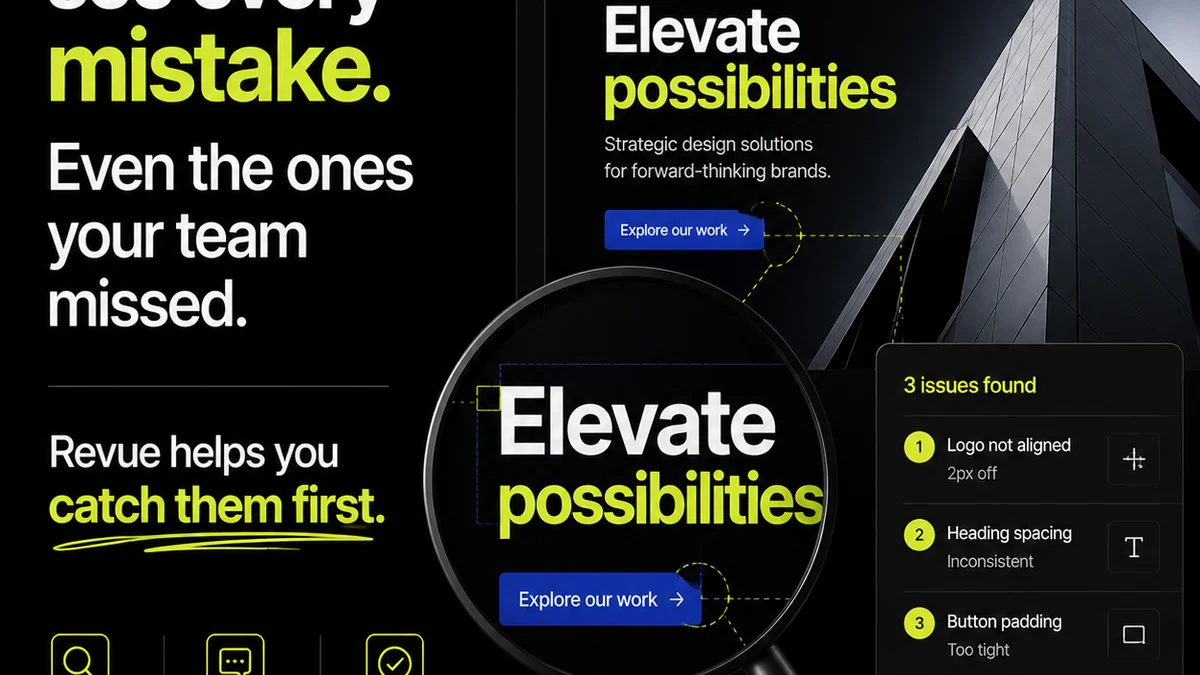
Everyone thinks visual collaboration software is about pretty interfaces and easy sharing. That's not wrong. But it's incomplete.
The hard truth? If your software isn't actively improving your workflow, cutting down revision cycles, and providing clarity on approvals, it's just another tool that adds noise.
1. Centralized Feedback is Non-Negotiable
Scattered feedback across email threads, Slack messages, and random documents is a recipe for disaster. You're chasing versions, missing crucial comments, and fighting scope creep.
True visual collaboration software brings all stakeholder input into one place, directly on the creative asset.
The Symptoms of Scattered Feedback
- Endless email chains with conflicting instructions.
- Important notes buried in instant messages.
- Designers guessing which version is the latest.
- Stakeholders asking for status updates that should be obvious.
- Late-stage discovery of critical issues.
This isn't just inefficient; it's expensive. Every hour spent deciphering comments or redoing work because of missed feedback is money out the door.
What to Look For
- Annotation Tools: The ability to click directly on an image, video, or PDF and leave a comment. This pins feedback to a specific point.
- Version Control: Clear tracking of revisions. Who uploaded what, when, and what changed.
- User Roles & Permissions: Control who can view, comment, approve, or upload. Keep feedback focused.
- Notifications: Smart alerts that inform relevant team members of new feedback or status changes without overwhelming them.
This isn't about making feedback *easier* to give; it's about making it *actionable* and *traceable*.
2. Revision Management: Clarity Over Chaos
The revision process is where most creative projects go off the rails. Without a clear system, it devolves into endless back-and-forth, often with unclear goals.
Effective visual collaboration software provides a structured way to manage these cycles.
The Pitfalls of Unmanaged Revisions
- Ambiguous feedback leading to multiple, aimless revisions.
- Difficulty comparing different versions side-by-side.
- No clear record of what was requested and what was delivered.
- Stakeholders losing track of how many revisions have occurred.
- The dreaded
Frequently asked questions
What is the primary benefit of visual collaboration software?
The primary benefit is centralizing feedback and streamlining the revision and approval process, which reduces errors, saves time, and improves project clarity.
How does visual collaboration software help with client feedback?
It allows clients to provide precise, contextual feedback directly on creative assets, eliminating the ambiguity often found in emails or general messages. This leads to faster, more accurate revisions.
Can visual collaboration software improve internal team communication?
Yes, by providing a single source of truth for creative assets and feedback, it ensures all team members are working from the same information, reducing miscommunication and redundant work.
What should I look for in terms of version control?
You need clear version history, the ability to easily compare different versions, and a system that prevents users from working on outdated files. This ensures everyone is always looking at the latest iteration.