Everyone knows website Quality Assurance (QA) means checking for bugs. Catching typos, broken links, and misaligned buttons. None of that is wrong. But it’s incomplete.
The hard truth is that effective website QA isn’t just a final check; it’s a fundamental part of your entire creative and development workflow. It’s about preventing problems, not just finding them.
1. The Assumption: QA is a Final Step
Most teams treat QA as the last gate before launch. The final polish. This mindset leads to rushed checks, missed issues, and a lot of stress.
It’s a reactive approach. You’re waiting for things to break and then trying to fix them under pressure.
This inevitably leads to:
- Last-minute scope creep.
- Compromised design integrity.
- Delayed launches.
- Client frustration.
The real goal of QA should be continuous verification. It needs to be integrated throughout the project lifecycle, not just tacked on at the end.
2. The Assumption: QA is Just for Developers
Another common myth is that QA is solely the developer’s responsibility. The client signs off, the developers build, and then… someone checks it. Often, this falls back on the developer or a dedicated QA tester.
This siloed approach ignores the unique insights other team members and stakeholders possess.
Designers know the brand guidelines and intended user experience. Project managers understand the scope and client requirements. Even the client has valuable perspective on their business goals.
When QA is everyone’s job, it becomes no one’s job. Or worse, it becomes a blame game.
The Deeper Truth: QA is a Collaborative Process
Effective website QA requires input from all disciplines. It’s a shared understanding of quality, not a single person’s checklist.
This means involving:
- Designers: Verifying visual consistency, adherence to design systems, and accessibility standards.
- Content Strategists/Writers: Ensuring accuracy, tone, and clarity.
- Project Managers: Confirming all requirements are met and the user flow is logical.
- Developers: Testing functionality, performance, and cross-browser compatibility.
- Clients (strategically): Validating business objectives and key user journeys.
This distributed responsibility ensures a more robust and holistic review.
3. The Assumption: QA Means Testing Every Single Thing
The sheer volume of potential issues on a website can be overwhelming. Testing every permutation of every feature is impossible and inefficient.
This leads to either paralysis (trying to test too much) or negligence (testing too little).
The Deeper Truth: Strategic Testing is Key
Focus your QA efforts on the most critical areas. Prioritize based on risk, impact, and frequency of use.
What to prioritize:
- Core Functionality: The primary purpose of the site (e.g., e-commerce checkout, form submissions, user login).
- Key User Journeys: The paths most users will take to achieve their goals.
- High-Traffic Pages: Home page, key landing pages, product pages.
- Areas Prone to Errors: Forms, interactive elements, dynamic content.
- Accessibility: Ensuring the site is usable for everyone, as per standards like WCAG.
Use a risk-based approach. What’s most likely to break? What will cause the most damage if it breaks?
4. The Assumption: QA Tools Replace Human Oversight
Automated testing tools are powerful. They can check code, run performance tests, and verify basic functionality across browsers rapidly. But they are not a silver bullet.
Tools are great for repetitive, predictable checks. They can’t replicate human judgment, creativity, or nuanced understanding of user experience.
The Deeper Truth: Tools Augment, They Don’t Replace
Leverage automation for what it does best:
- Regression Testing: Ensuring new code hasn’t broken existing features.
- Performance Testing: Checking load times and responsiveness.
- Cross-Browser/Device Testing: Verifying appearance and functionality on different platforms.
- Basic Link Checking: Identifying broken outbound links.
However, you still need manual QA for:
- Usability Testing: Is the site intuitive and easy to navigate?
- Visual Design Verification: Does it match the approved mockups? Are there subtle alignment or spacing issues?
- Content Review: Is the tone right? Is it engaging?
- Exploratory Testing: Trying unexpected user paths and edge cases.
- Accessibility Audits: Beyond automated checks, ensuring true inclusivity.
Think of tools as your diligent assistant, handling the grunt work, freeing up your team for more critical, subjective evaluation.
5. The Assumption: QA is Only About the Front-End
Many teams focus QA efforts on what the user sees and interacts with directly. The visual layer. The interactive elements.
This is crucial, but it’s only half the story.
A beautiful, functional front-end can be crippled by back-end issues.
The Deeper Truth: Back-End QA is Equally Vital
Your back-end systems handle data, security, integrations, and core logic. Problems here can be catastrophic.
Key back-end QA areas include:
- Data Integrity: Is data being stored, retrieved, and displayed accurately?
- API Integrations: Are third-party services (payment gateways, CRMs, etc.) communicating correctly?
- Security Vulnerabilities: Are there obvious flaws that could be exploited? (Note: Full security audits are a specialized field).
- Database Performance: Is the database optimized for speed and reliability?
- Server Configuration: Is the environment set up correctly for optimal performance and security?
Neglecting back-end QA can lead to data loss, security breaches, and system failures that are far more damaging than a misplaced comma.
6. The Assumption: A Checklist is All You Need
Checklists are essential for structured QA. They ensure consistency and prevent overlooking standard checks.
But a static list can quickly become outdated or fail to account for project-specific nuances.
The Deeper Truth: Contextualized QA Processes are Superior
Your QA process needs to be adaptable. It should be informed by the project’s unique requirements, risks, and goals.
This means:
- Customizing checklists for each project.
- Defining clear acceptance criteria at the outset.
- Establishing a clear bug reporting and tracking system.
- Conducting regular QA syncs to discuss findings and priorities.
- Creating a feedback loop to improve the QA process itself over time.
A rigid checklist might catch the obvious, but a dynamic process catches the critical.
Where Revue Fits In
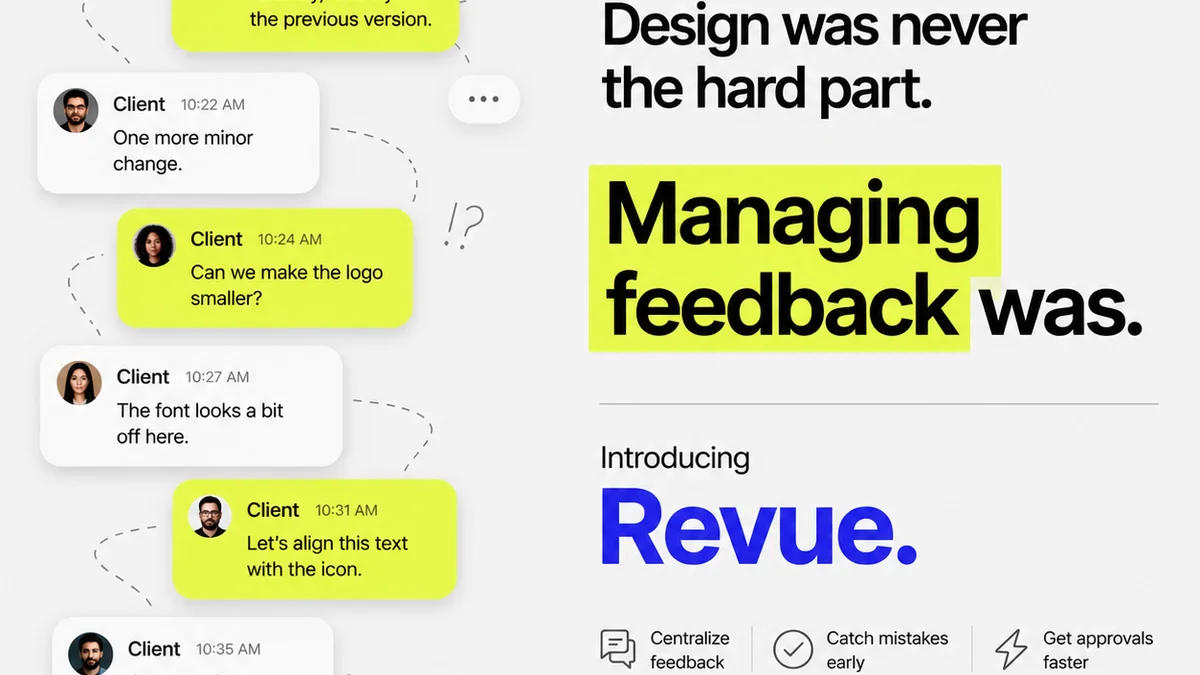
Managing website QA effectively, especially across multiple stakeholders and complex projects, requires centralized visibility. This is where tools like Revue become indispensable.
Revue helps streamline the entire feedback and approval process, which is directly tied to QA:
- Centralized Feedback: All client and stakeholder comments are in one place, reducing the chances of feedback getting lost in email chains or Slack messages. This ensures all noted issues are captured.
- Revision and Approval Visibility: Track the history of changes and approvals. See exactly what was changed, by whom, and when. This provides an audit trail and context for QA.
- Integrated Quality Checks: By having a clear record of feedback and revisions, QA teams can more efficiently verify that all approved changes have been implemented correctly and that no new issues were introduced.
When feedback is organized and approvals are clear, your QA process becomes more efficient and less prone to oversight. You’re not just looking for bugs; you’re verifying that the intended product has been built.
Website QA Checklist: Key Areas
Here’s a foundational checklist to get you started. Remember to adapt it to your specific project needs.
I. Functionality Testing
- Core features work as expected (forms, buttons, navigation, search).
- User accounts and authentication function correctly.
- E-commerce flows (add to cart, checkout, payment) are seamless.
- Interactive elements (sliders, accordions, modals) behave properly.
- Third-party integrations function (maps, social feeds, analytics).
II. Usability Testing
- Intuitive navigation and clear calls to action.
- Readability and scannability of content.
- Mobile-friendliness and responsive design across devices.
- Accessibility (keyboard navigation, screen reader compatibility, color contrast).
- Overall user flow is logical and efficient.
III. Performance Testing
- Page load speed (desktop and mobile).
- Image optimization and file sizes.
- Responsiveness under load.
IV. Compatibility Testing
- Cross-browser compatibility (Chrome, Firefox, Safari, Edge).
- Cross-device compatibility (desktops, tablets, various mobile phones).
V. Content Testing
- Accuracy and grammar of all text.
- Consistency in tone and style.
- All links are working and direct to the correct destinations.
- Images and videos display correctly and have appropriate alt text.
VI. Security Testing (Basic Checks)
- No sensitive data exposed in URLs or client-side code.
- Forms are submitted securely (HTTPS).
- User roles and permissions function as expected.
Final Thought
Website QA is more than just bug hunting. It’s a discipline that underpins the reliability, usability, and success of your digital product. Are you treating it as an afterthought, or as the integral process it needs to be?
Frequently asked questions
What are the most common website QA mistakes?
Common mistakes include treating QA as a final step, making it solely a developer's job, trying to test everything, relying only on tools, focusing only on the front-end, and using a rigid, unadaptable checklist.
How can I make my website QA process more effective?
Make QA a collaborative process involving designers, content strategists, PMs, and developers. Prioritize testing based on risk and user journeys. Use tools to augment, not replace, human oversight. Ensure back-end QA is as rigorous as front-end. Adapt your QA process and checklists to the specific project.
What is the difference between automated and manual QA?
Automated QA uses software to perform repetitive tests like regression, performance, and cross-browser checks. Manual QA involves human testers to evaluate usability, visual design nuances, content quality, and exploratory testing that tools can't replicate.
How does a tool like Revue help with website QA?
Revue centralizes feedback and approvals, creating a clear audit trail. This visibility helps QA teams efficiently verify that all required changes have been implemented correctly and that no new issues have been introduced, making the QA process more organized and less prone to errors.