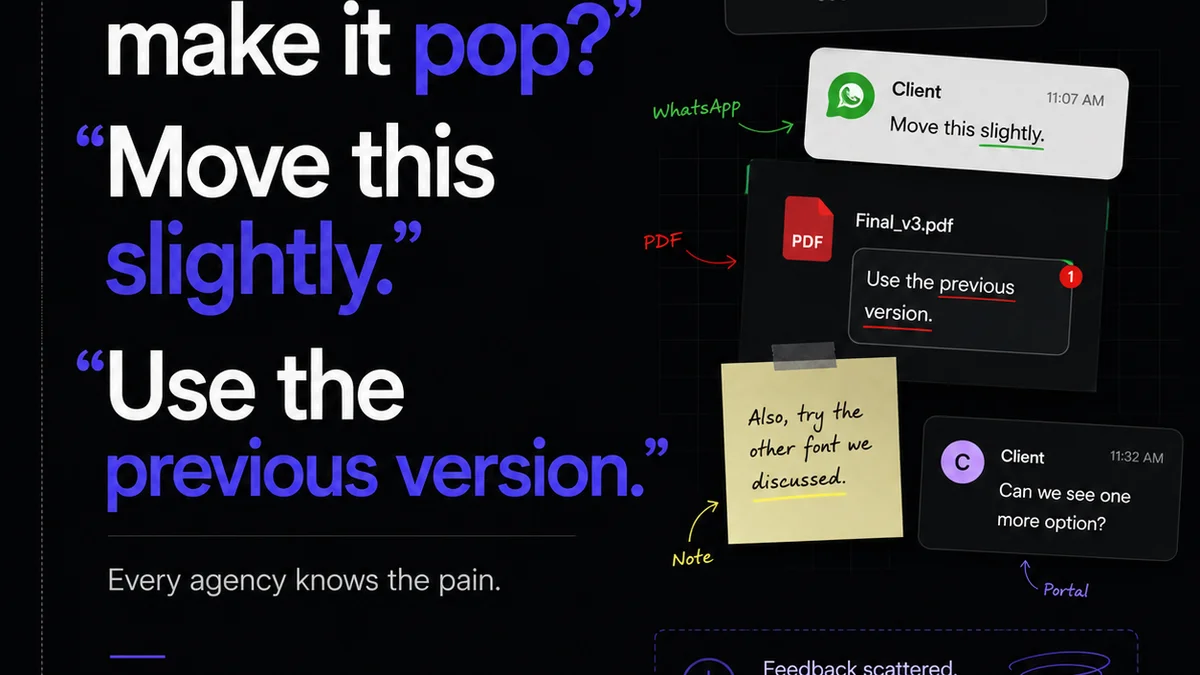
Everyone thinks design Quality Assurance (QA) is the last step. The final once-over before launch. The sanity check that catches typos and misaligned buttons.
None of that is wrong. But it’s incomplete.
The hard truth? Design QA isn't just a gatekeeper; it’s a critical, integrated process that impacts project timelines, client relationships, and your agency’s bottom line. In 2026, treating it as an afterthought is a fast track to inefficiency and client churn.
1. Beyond the Pixel Push: Redefining Design QA
Traditional QA often focuses on spotting surface-level errors. A misplaced comma. A broken link. A slightly off-brand color.
Modern design QA, especially in the fast-paced agency world of 2026, has to go deeper. It’s about validating the entire user experience and ensuring the design meets strategic objectives.
What Design QA Really Encompasses
- Functional Integrity: Does the design work as intended across all specified devices and browsers?
- Usability & Accessibility: Is it intuitive for the target audience? Does it meet accessibility standards like WCAG?
- Brand Consistency: Does it align with brand guidelines, tone, and visual identity?
- Strategic Alignment: Does it effectively solve the business problem it was designed to address?
- Technical Feasibility: Can it be built within budget and timeline constraints?
This holistic view shifts QA from a reactive bug hunt to a proactive validation of value.
2. The Hidden Costs of Neglecting Design QA
Many agencies see QA as a cost center, an extra step that eats into billable hours. This is a dangerous misconception.
The real cost lies in what happens when QA is *not* done properly, or not done at all.
The Domino Effect of Poor QA
- Costly Rework: Catching errors post-launch or during development is exponentially more expensive than catching them earlier.
- Damaged Client Relationships: Repeated errors erode trust. Clients question your competence and attention to detail.
- Missed Deadlines: Unexpected issues discovered late can derail project schedules, leading to penalties or lost follow-on work.
- Brand Reputation Damage: A flawed user experience or glaring errors reflect poorly on both your agency and the client's brand.
- Reduced ROI for the Client: If the design doesn't perform as intended due to bugs or poor usability, the client doesn't get the expected return on their investment.
These aren't abstract risks. They are daily realities for agencies that treat QA as optional.
3. Integrating Design QA into the Workflow
The most effective design QA isn't a separate phase; it's woven into the fabric of the entire design and development process.
This requires clear processes, the right tools, and a culture that values meticulousness.
Key Integration Points
- During Ideation & Wireframing: QA begins by asking: Does this concept meet the core brief? Is the user flow logical? Are there potential technical hurdles?
- During Design Mockups: Check for adherence to style guides, accessibility considerations (color contrast, font sizes), and responsive behavior.
- During Prototyping: Test interactive elements, transitions, and ensure the user journey is smooth and intuitive. Tools like Figma allow for robust prototyping and early testing.
- During Development Handoff: A detailed QA checklist ensures developers have all necessary assets and specifications, minimizing interpretation errors.
- During UAT (User Acceptance Testing): The client or end-users test the near-final product, validating that it meets their needs and expectations.
- Post-Launch Monitoring: Continuous monitoring for bugs, performance issues, and user feedback.
Each stage has specific QA checks. This layered approach catches issues early when they are cheapest and easiest to fix.
4. Tools and Techniques for Effective Design QA
The right toolkit can make a significant difference in the efficiency and thoroughness of your design QA.
Relying solely on manual checks is a recipe for missed errors.
Essential QA Arsenal
- Design Systems & Style Guides: Centralized resources like Google's Material Design or Apple's Human Interface Guidelines provide a foundation for consistency.
- Automated Testing Tools: For web projects, tools can check for broken links, accessibility violations, and performance issues automatically.
- Cross-Browser/Device Testing Platforms: Services that allow you to test your designs on a wide range of actual devices and browsers.
- Prototyping Software: Tools like Figma, Adobe XD, and InVision enable interactive prototypes that can be tested for usability before development.
- Feedback & Annotation Tools: Platforms that streamline the collection and organization of feedback from clients and internal teams.
- Accessibility Checkers: Browser extensions and standalone tools that help identify WCAG compliance issues.
The goal is to augment human oversight, not replace it entirely. Automation handles the tedious, repetitive checks, freeing up your team for more strategic, nuanced quality assessment.
5. Where Revue Fits In
Managing feedback, tracking revisions, and ensuring a high-quality output across multiple stakeholders and projects can quickly become chaotic.
This is precisely where a platform like Revue can transform your design QA process.
Revue acts as the central nervous system for your creative workflow.
Streamlining QA with Revue
- Centralized Feedback: All client comments and internal stakeholder input are logged in one place, linked directly to the creative asset. No more hunting through emails or scattered documents.
- Version Control & Revision Visibility: Easily track every iteration. See exactly what changed between versions, making it simple to QA against the latest approved scope.
- Clear Approval Status: Understand at a glance which assets are pending review, approved, or rejected. This eliminates ambiguity and ensures QA is performed on the correct version.
- Streamlined Communication: Reduce back-and-forth. All discussions and decisions related to feedback and revisions happen within the platform, creating an auditable trail.
- Integrated Quality Checks: By having a clear, documented history of feedback and approvals, your QA team can more efficiently verify that all agreed-upon changes have been implemented correctly and that the final output meets all requirements.
Revue doesn't do the QA *for* you, but it provides the structured environment and clear history necessary for your team to perform rigorous, efficient, and effective design QA.
6. The Future of Design QA: Proactive and Predictive
The landscape of digital product development is constantly evolving. AI and machine learning are beginning to play a role.
In the coming years, expect QA to become even more integrated and predictive.
Looking Ahead
- AI-Powered Anomaly Detection: Tools that can automatically flag unusual patterns or potential issues based on historical data.
- Predictive Bug Forecasting: Systems that analyze code and design patterns to predict where bugs are most likely to occur.
- Enhanced User Simulation: More sophisticated AI that can simulate a wider range of user behaviors and scenarios for testing.
Agencies that embrace these advancements will be able to deliver higher quality work, faster.
Final Thought
Design QA is not a hurdle to overcome; it's a bridge to client success and operational excellence.
How are you ensuring your design QA process is a strategic advantage, not a compliance chore?
Frequently asked questions
What's the difference between design QA and UAT?
Design QA is typically performed by the agency's internal team to ensure the design meets technical specifications, brand guidelines, and usability standards before it's presented to the client. User Acceptance Testing (UAT) is performed by the client or end-users to validate that the final product meets their business needs and expectations.
When should design QA start?
Design QA should start as early as possible, ideally during the ideation and wireframing phases. It's an ongoing process integrated throughout the project lifecycle, not just a final check before launch.
Can automated tools replace human QA testers?
Automated tools are excellent for catching repetitive, objective errors like broken links, accessibility violations, and performance issues. However, they cannot replace the nuanced judgment of human testers who can assess usability, user experience, brand perception, and strategic alignment.
How does design QA impact project timelines and budget?
Properly integrated design QA catches errors early, which is significantly cheaper and faster to fix than issues discovered late in development or post-launch. Neglecting QA often leads to costly rework, missed deadlines, and budget overruns.