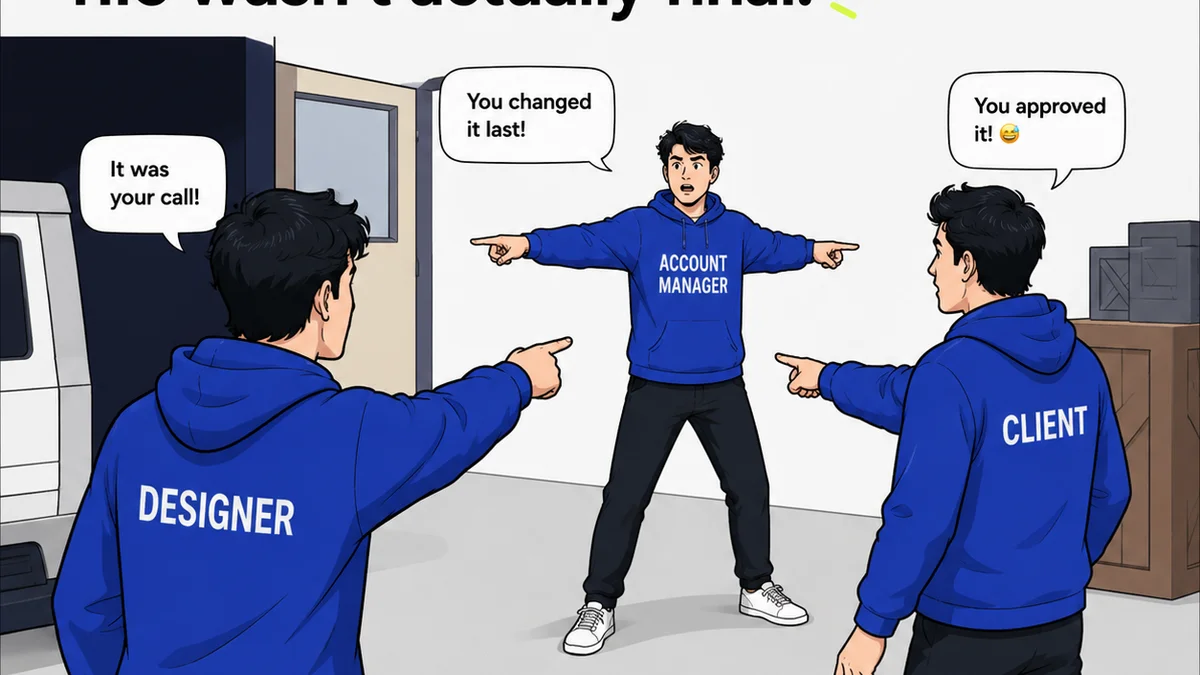
Everyone thinks the best creative workflow tool is the one with the most features. The one that promises to do it all. The one that looks slickest on a demo.
None of that is wrong. But it’s incomplete.
The hard truth? The best tool isn't about features; it's about fit. It's about how seamlessly it integrates into your agency’s specific rhythm. It’s about reducing friction, not just digitizing it. If you’re looking for Ziflow alternatives, you’re probably feeling the friction of your current system. Let’s talk about why that happens and what to look for.
1. The Real Reason You Need a Ziflow Alternative
You're likely here because your current system – whatever it is – isn't working. Maybe it’s Ziflow, maybe it’s something else. The symptoms are universal:
- Endless email chains for feedback.
- Version control nightmares.
- Clients who don’t understand the process.
- Approvals that get lost in the shuffle.
- A nagging feeling that time and money are slipping through the cracks.
These aren't just minor annoyances. They’re systemic breakdowns that kill profitability and morale. A tool isn't just software; it's a workflow enabler. Or, if it’s the wrong tool, a workflow blocker.
The Feature-Blind Trap
Many agencies fall into the trap of chasing features. They see a competitor using a tool with a flashy dashboard or an AI-powered this-and-that, and they assume that’s the missing piece. They jump ship, only to find the new tool has its own set of frustrations. The core problem often isn't the absence of a feature, but the misapplication of the tool itself.
Understanding Your Workflow Gap
Before you even look at Ziflow alternatives, you need to diagnose your specific workflow gap. What’s the single biggest bottleneck? Is it client communication? Internal revision tracking? Final sign-off? Different tools excel at different things. A tool that’s a great fit for a large enterprise with complex compliance needs might be overkill for a small, agile agency. Conversely, a simple proofing tool might not cut it for an agency managing hundreds of assets across multiple clients.
2. Key Features to Evaluate in Creative Workflow Software
When you’re evaluating any creative workflow software, including potential Ziflow alternatives, focus on these core areas. Don’t get distracted by the shiny objects.
Centralized Feedback and Annotation
This is non-negotiable. All feedback needs to live in one place, tied directly to the asset being reviewed. Look for:
- On-canvas commenting (like Figma or Adobe XD).
- Clear annotation tools (text, arrows, shapes).
- The ability to tag specific team members or clients.
- A consolidated, chronological view of all feedback.
If feedback is scattered across emails, Slack, and random documents, you’re already losing time. This is where many Ziflow alternatives aim to shine.
Revision and Approval Management
This is where projects often derail. You need a system that provides clarity and accountability.
- Clear version history. Every iteration should be saved and accessible.
- Defined approval workflows. Who needs to sign off, and in what order?
- Status tracking. Everyone should know where a project stands at a glance.
- Automated notifications for new feedback or pending approvals.
Think about the last time a client claimed they never saw a revision request. A robust approval system prevents that.
Project Visibility and Organization
Can you see all your active projects, their statuses, and who’s responsible for what? This is crucial for managing capacity and meeting deadlines.
- Dashboard views.
- Task assignment and tracking.
- Due date management.
- Client and stakeholder access controls.
Disorganization is a silent killer of agency profitability. You can't manage what you can't see.
Integration Capabilities
Does the tool play well with others? Your tech stack is a system. A new tool shouldn’t create silos.
- Integrations with design tools (Adobe Creative Cloud, Figma).
- Connections to project management software (Asana, Monday.com).
- Cloud storage links (Google Drive, Dropbox).
Seamless integration means less manual work and fewer opportunities for errors.
3. Evaluating Ziflow Alternatives: What to Ask
When you’re in the demo phase, go beyond the surface. Ask the tough questions. Here are a few to get you started:
- How does your tool handle conflicting feedback from multiple stakeholders?
- Can we set up custom approval workflows based on project type or client?
- What happens if a client misses a deadline for feedback or approval? Can the system escalate?
- How easy is it for clients to use? Do they need extensive training?
- What’s the process for handling last-minute changes requested *after* final approval?
- How does your tool support quality assurance checks before final delivery?
The answers will reveal a lot about how the tool actually functions in a real-world agency environment.
4. Beyond Proofing: The Broader Spectrum of Creative Workflow Tools
It’s easy to get fixated on client proofing. But a true workflow solution addresses more.
Asset Management
Where do final assets live? How are they organized? Some platforms offer basic asset management, while others integrate with dedicated Digital Asset Management (DAM) systems. Think about long-term storage, versioning, and accessibility.
Internal Collaboration
Client feedback is one thing. Internal team collaboration is another. Does the tool facilitate clear communication and task handoffs between designers, copywriters, project managers, and account teams?
Reporting and Analytics
Can you track key metrics? Time spent on revisions, number of rounds, approval cycle times? Data helps identify inefficiencies and justify tool investments.
5. Where Revue Fits In
You’re looking for Ziflow alternatives because you need a better way to manage creative projects. Many tools focus heavily on the client-facing proofing aspect. That’s critical, but it’s only one piece of the puzzle.
Revue is built from the ground up to centralize client feedback, manage revisions and approvals with clear visibility, and run quality checks. It’s designed to eliminate the chaos that plagues creative operations.
Instead of juggling emails, spreadsheets, and disparate tools, Revue brings everything into a single, streamlined platform. You get clear audit trails for every decision, automated workflows that keep projects moving, and a centralized hub for all creative assets and communications. This isn’t just about faster approvals; it’s about building a more predictable, profitable, and less stressful creative process.
6. Making the Leap: Transitioning to a New Tool
Switching tools is never easy. It requires buy-in, training, and a willingness to adapt.
Start with a Pilot Project
Don’t roll out a new system to your entire client roster overnight. Pick one or two willing clients and a straightforward project to test the waters. Gather feedback and iron out kinks before a wider launch.
Invest in Training
Ensure your team understands the tool inside and out. Provide clear documentation and ongoing support. A well-trained team will adopt the new system faster and use it more effectively.
Communicate Clearly
Inform your clients about the change. Explain the benefits – faster turnaround, clearer communication, easier feedback. Make the transition as smooth as possible for them.
7. Final Thought
The quest for the perfect creative workflow tool often feels like chasing a unicorn. But the reality is simpler. The best tool isn't about the most bells and whistles; it’s about the one that best solves *your* specific workflow problems. It’s the one that reduces friction, enhances clarity, and ultimately, makes your agency more efficient and your team happier. What’s the biggest workflow friction point you’re trying to solve right now?
Frequently asked questions
What are the main benefits of using a creative workflow tool?
Creative workflow tools centralize client feedback, streamline revision and approval processes, improve version control, enhance team collaboration, and provide clear audit trails. This leads to fewer errors, faster project completion, and increased client satisfaction.
How do I choose the right Ziflow alternative for my agency?
Focus on your specific pain points. Evaluate tools based on their ability to handle centralized feedback, manage approvals effectively, provide project visibility, and integrate with your existing tech stack. Don't get swayed by features you don't need.
What's the difference between a proofing tool and a full workflow solution?
A proofing tool primarily focuses on collecting feedback and approvals on creative assets. A full workflow solution encompasses proofing but also includes broader aspects like project organization, task management, internal collaboration, and asset management, aiming to optimize the entire creative process.
How can a workflow tool help with client communication?
By centralizing all feedback and communication related to a project within the tool, clients have a single point of contact and a clear view of discussions and decisions. This reduces misunderstandings and the need for lengthy email chains, making communication more efficient and transparent.