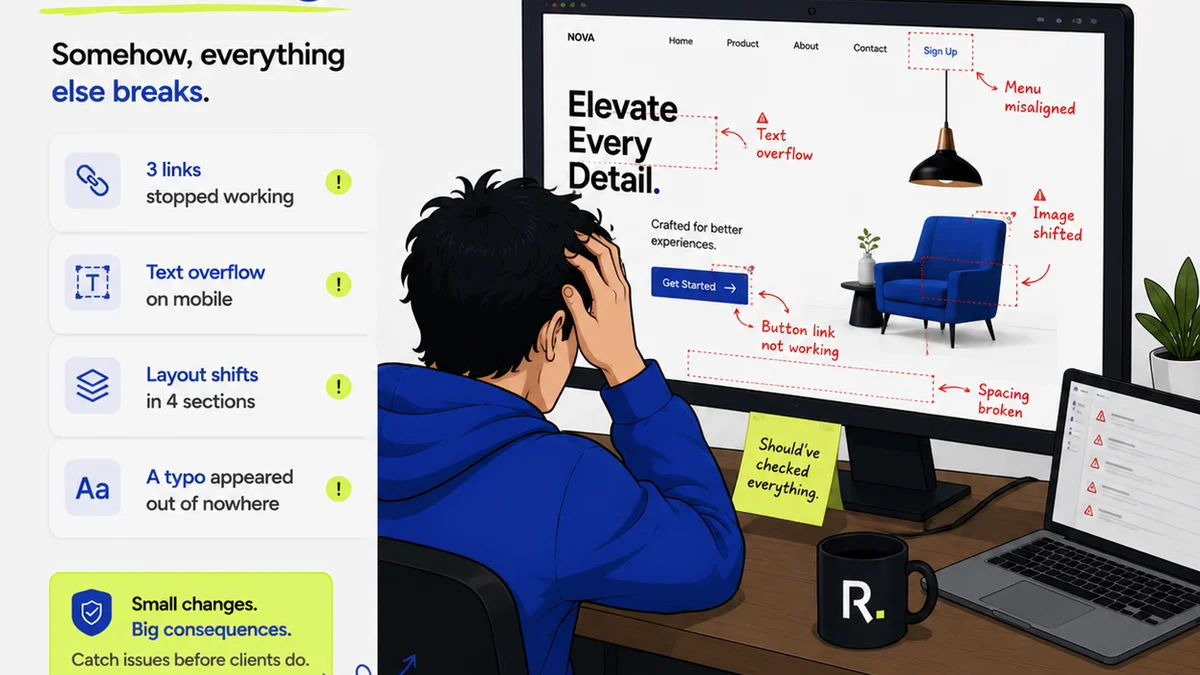
Everyone talks about proofing tools as if they’re the magic bullet for creative project management. You need a way to get client feedback, right? So you grab the most popular platform. You assume that picking the “best” proofing software means your creative workflow problems are solved. None of that is wrong. But it’s incomplete.
The hard truth? Proofing is just one stop on a much longer, more complex journey. If your entire workflow is built around just getting comments on a JPEG, you’re missing the bigger picture. The real goal isn’t just feedback; it’s efficient, predictable, and profitable creative delivery. And that requires more than just a digital red pen.
1. The Myth of the All-in-One Proofing Tool
Many Ziflow alternatives promise the moon. They claim to be the ultimate solution for creative teams. But often, they’re just a slicker interface for the same old process: upload, comment, download, repeat. This approach creates bottlenecks, not solutions.
Think about it:
- Where does the project start?
- How are briefs managed?
- What happens after feedback is incorporated?
- How do you track versions?
- When does legal or QA sign off?
- How do you deliver the final asset?
If your “proofing tool” isn’t deeply integrated with these other stages, it’s just another silo. It might handle feedback, but it doesn’t manage the workflow. That’s the critical distinction.
2. Essential Features for True Workflow Management
Moving beyond basic proofing means looking for tools that offer a more holistic view. What should you be looking for in a Ziflow alternative that actually improves your process?
Centralized Client Feedback
This is table stakes. But even here, look for nuance. Can you tag specific stakeholders? Can you set deadlines for feedback? Is the comment thread persistent across revisions?
Revision and Approval Tracking
This is where most proofing tools fall short. You need to see the entire history. Who approved what, when? What were the changes between version A and version B? This visibility is crucial for accountability and preventing scope creep.
Consider these points:
- Clear version history: Easily compare past and present iterations.
- Stakeholder permissions: Control who can view, comment, and approve.
- Automated notifications: Keep everyone informed of progress and pending actions.
- Audit trails: Maintain a record of all interactions and decisions.
Quality Assurance (QA) Workflows
This is often overlooked. Before final delivery, creative assets need checks. Are they the right specs? Is the copy accurate? Is the design pixel-perfect? A robust workflow tool should facilitate these internal checks, not just client approvals.
Project Management Integration
Your proofing tool shouldn’t live in a vacuum. It needs to talk to your project management software. Can it pull tasks, update statuses, or sync deadlines? Seamless integration prevents manual data entry and reduces errors.
Asset Management
Where do final files live? A good system should either integrate with your DAM or offer basic asset storage. Knowing where the latest, approved version resides is non-negotiable.
3. Evaluating Top Ziflow Alternatives
When you look past the basic proofing features, a different landscape emerges. These tools offer more comprehensive solutions for creative operations.
Frame.io (now part of Adobe Creative Cloud)
While heavily focused on video, Frame.io offers robust review and approval features that extend beyond that medium. Its strength lies in its real-time collaboration and deep integration with creative tools like Premiere Pro and After Effects. For teams heavily invested in video production, it’s a powerful option.
- Pros: Excellent for video, real-time collaboration, strong integration with Adobe suite.
- Cons: Can be overkill for non-video assets, pricing can add up.
Filestage
Filestage positions itself as a comprehensive platform for online review and approval. It emphasizes customization and workflow automation, allowing teams to build bespoke review processes. It’s designed to handle various asset types, from documents to designs to videos.
- Pros: Highly customizable workflows, supports many asset types, good for complex approval chains.
- Cons: Interface can feel a bit dated to some users, may require significant setup for optimal use.
Wipster
Another strong contender in the video space, Wipster also offers features applicable to other creative assets. It focuses on making feedback clear and actionable, with features like in-video commenting and version control.
- Pros: Intuitive interface, good for video feedback, clear version management.
- Cons: Less robust for print or static digital assets compared to video.
GoVisually
GoVisually offers a straightforward approach to creative proofing and client collaboration. It's known for its ease of use and quick setup, making it a good option for smaller teams or those who need a simple, effective solution without a steep learning curve.
- Pros: Very easy to use, fast setup, good for simple projects.
- Cons: May lack advanced features needed by larger or more complex agencies.
Hightail
Hightail (formerly YouSendIt) focuses on secure file sharing and collaboration, with integrated review and approval features. It’s designed for teams that need to share large files and manage feedback efficiently, often in enterprise settings.
- Pros: Secure file sharing, good for large files, enterprise-level features.
- Cons: Can be more complex than simpler proofing tools, less design-centric.
4. Where Revue Fits In
You’re likely juggling multiple tools. A project management system, a design tool, a communication app, and yes, a proofing platform. The friction happens when these tools don’t talk to each other. Information gets lost. Tasks fall through the cracks. Revisions get confused.
Revue isn’t a proofing tool. It’s the layer that connects the dots. It’s where you consolidate client feedback from *any* source—whether it came through email, Slack, a formal proofing tool, or even a phone call.
Think of it this way:
- Centralized Feedback Hub: Import feedback from various channels into a single, organized stream tied to specific project milestones. No more hunting through emails or Slack threads.
- Revision Visibility: Track the evolution of feedback and approvals. See exactly what changed, who requested it, and when it was signed off. This clarity prevents disputes and ensures everyone is on the same page.
- Quality Control Gateway: Before final delivery, use Revue to ensure all feedback has been addressed and approved. It acts as your final checkpoint, confirming that the work meets client requirements and internal standards.
By integrating your existing proofing tools with Revue, you transform isolated feedback into actionable project intelligence. You gain the oversight needed to manage revisions effectively and ensure quality, without adding another complex system to learn.
5. Making the Right Choice for Your Team
The “best” Ziflow alternative isn’t just about features; it’s about fit. What works for a video production house won’t necessarily work for a branding agency. Consider your primary asset types, team size, client complexity, and budget.
Ask the Right Questions:
- What percentage of our work is video vs. static design vs. documents?
- How many stakeholders are typically involved in approvals?
- What is our budget for creative workflow tools?
- How much time are we currently losing to disorganized feedback and revisions?
- Do we need integration with existing PM software (like Asana, Monday.com, Jira)?
Don’t get seduced by a shiny interface. Focus on tools that solve your specific workflow pain points. A tool that helps you manage feedback effectively, track revisions with clarity, and streamline approvals will pay for itself many times over.
Final Thought
Is your current tool just a digital notepad for client comments, or is it a genuine engine for creative delivery? The difference is operational efficiency. The right workflow management system, when integrated thoughtfully, doesn’t just gather feedback—it drives your projects forward, predictably and profitably.
Frequently asked questions
What are the main drawbacks of relying solely on a proofing tool like Ziflow?
Relying solely on a proofing tool often means managing feedback in isolation. This can lead to a lack of visibility into the broader project lifecycle, difficulty tracking revisions across multiple stages, and potential bottlenecks if the tool doesn't integrate well with project management or asset delivery processes.
What features should I look for in a Ziflow alternative beyond basic commenting?
Look for features like robust revision and approval tracking (audit trails, version history), integrated quality assurance workflows, seamless integration with project management software, and centralized asset management. The goal is a tool that manages the entire workflow, not just a single step.
How can Revue help if I'm already using a proofing tool?
Revue acts as a central hub to consolidate feedback from various sources, including your existing proofing tool. It provides enhanced visibility into revision history and approvals, ensuring all feedback is addressed before final delivery, thereby improving quality control and accountability without replacing your current setup.
Are there Ziflow alternatives specifically better for video teams?
Yes, tools like Frame.io (now part of Adobe Creative Cloud) and Wipster are particularly strong for video teams, offering features like in-video commenting, precise time-based feedback, and integrations with video editing software. However, they may offer less robust functionality for static design or document reviews.